Effects / Text
Text animations
Animations for headlines and running text: words that reveal, scramble, flip, split apart or light up as they are read.
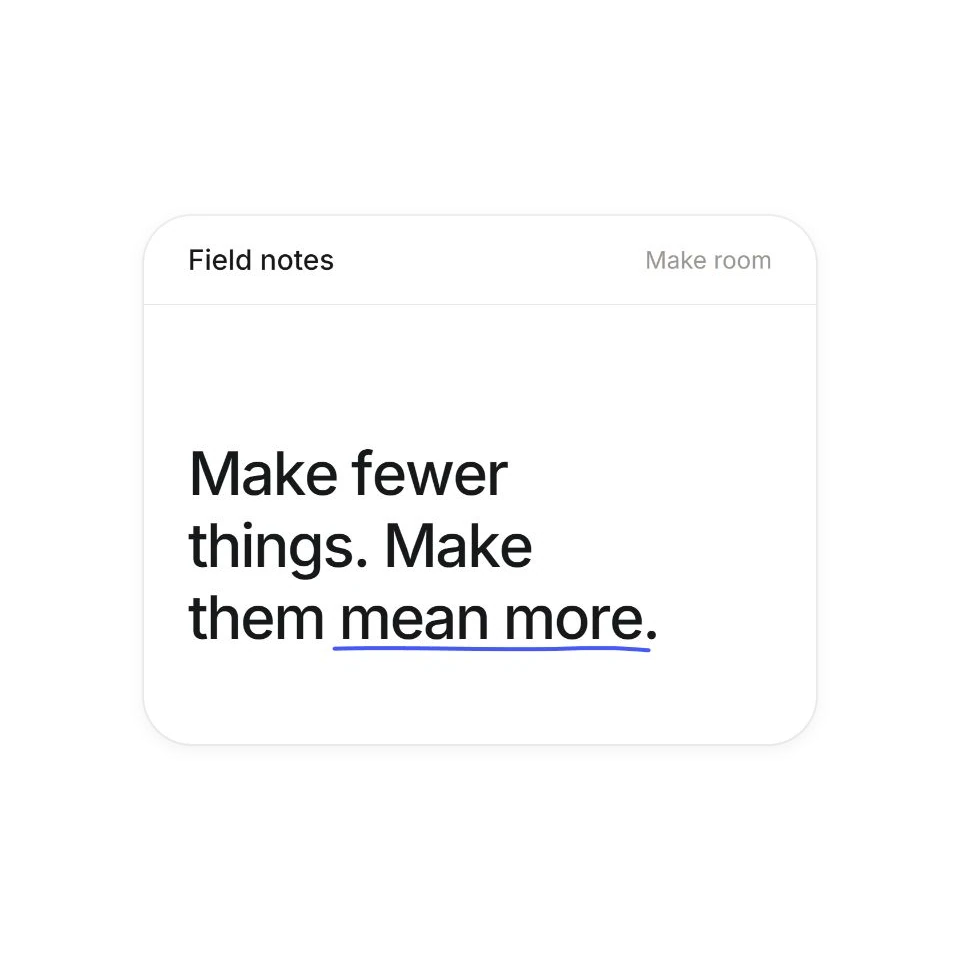 Bouncing Text EntranceLetters animate in when scrolled into view, then stay for you to read. Replay to try your settings again.
 Scroll Speed ScrambleA headline that scrambles into letters the faster you scroll.
 Masked Word FlipWord pairs that flip up through narrow masks.
 Mask Decode RevealInk bars sweep across headlines while labels decode.
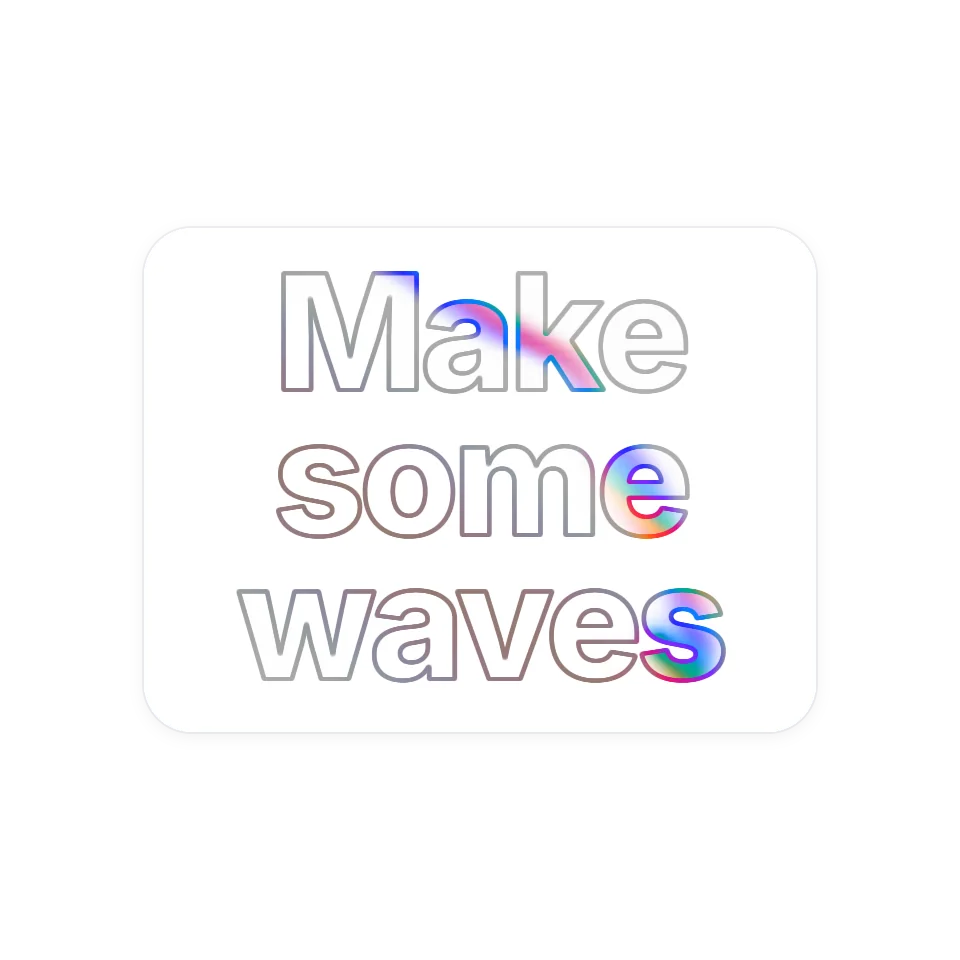 Prismatic Fluid HeadlineSweep across an outlined headline and liquid colour swirls inside the letters, then fades.
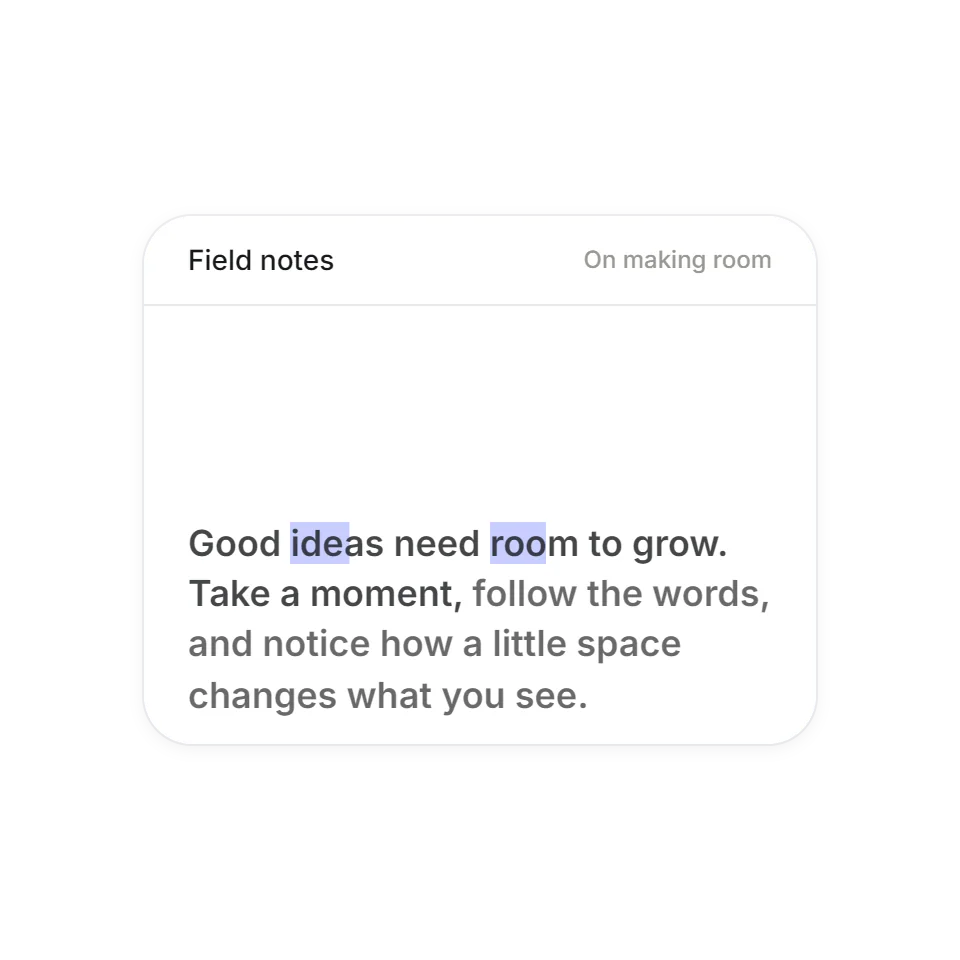 Word-by-Word Reading HighlightScroll anywhere over the preview to read the passage in a continuous loop. Reverse direction to retrace the words and highlighted phrases.
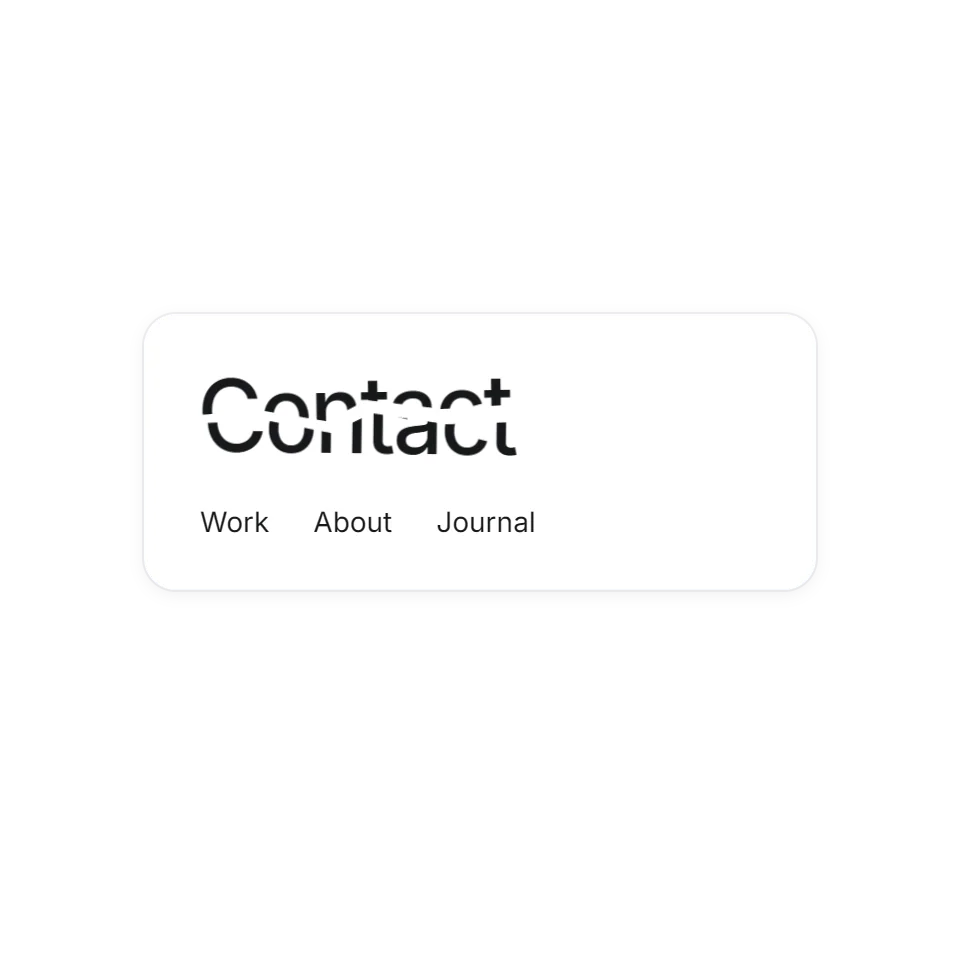 Fractured Word HoverLinks that crack along a jagged line when you point at them.
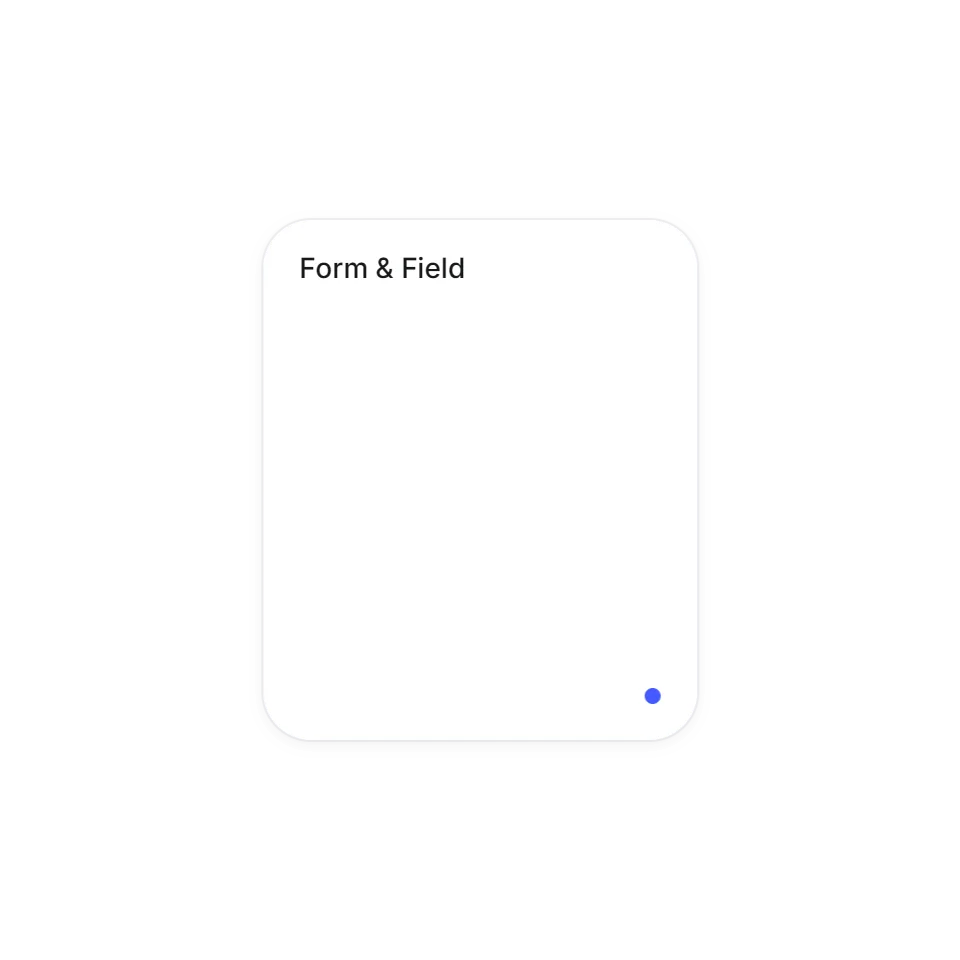 Poster Masthead CollapseA hairline unfolds into a poster, then folds into a logo.
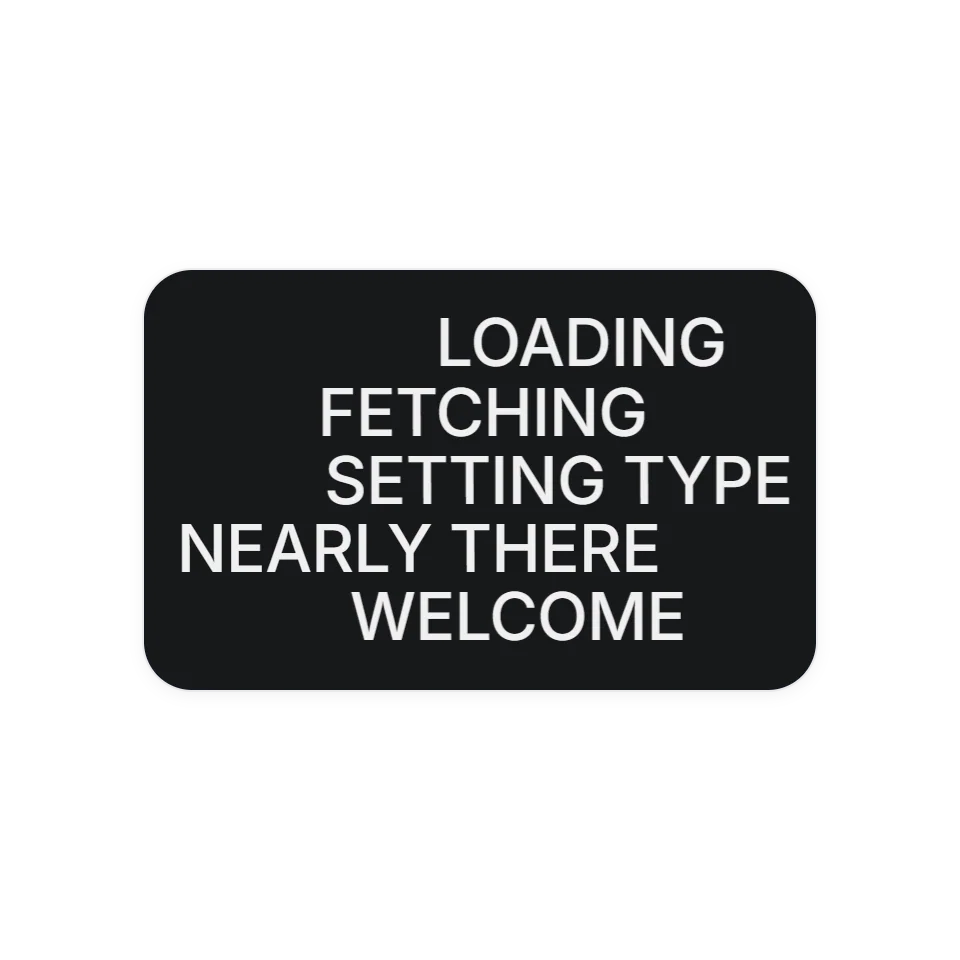 Smear-Trail PreloaderLines of text whip in dragging a trail of their own letters, then the cover lifts.
Where text animation helps
A headline is usually the first thing read, and a short animation can decide which words land first. The effects here cover the common jobs: bringing a headline in, swapping one word for another, making a hovered word react, and leading the eye through a long paragraph as the page scrolls.
Your own words, real text
Each effect takes the text you give it. Change the headline and the animation follows, with no images of type to export again. Each page has a live demo and a few controls for speed and strength. The code is complete and commented for an AI assistant: copy it, hand it over, and say which heading it should run on.
Fonts and reading comfort
Several of these measure the text to split it into lines or letters, so load your web font before the effect starts. All of them follow the visitor's reduced-motion setting, and the text stays readable once the motion is over.