Effects / Hover
Hover effects
Hover animations for buttons, links, text and menus. Each one runs live on its page and comes with the full code.
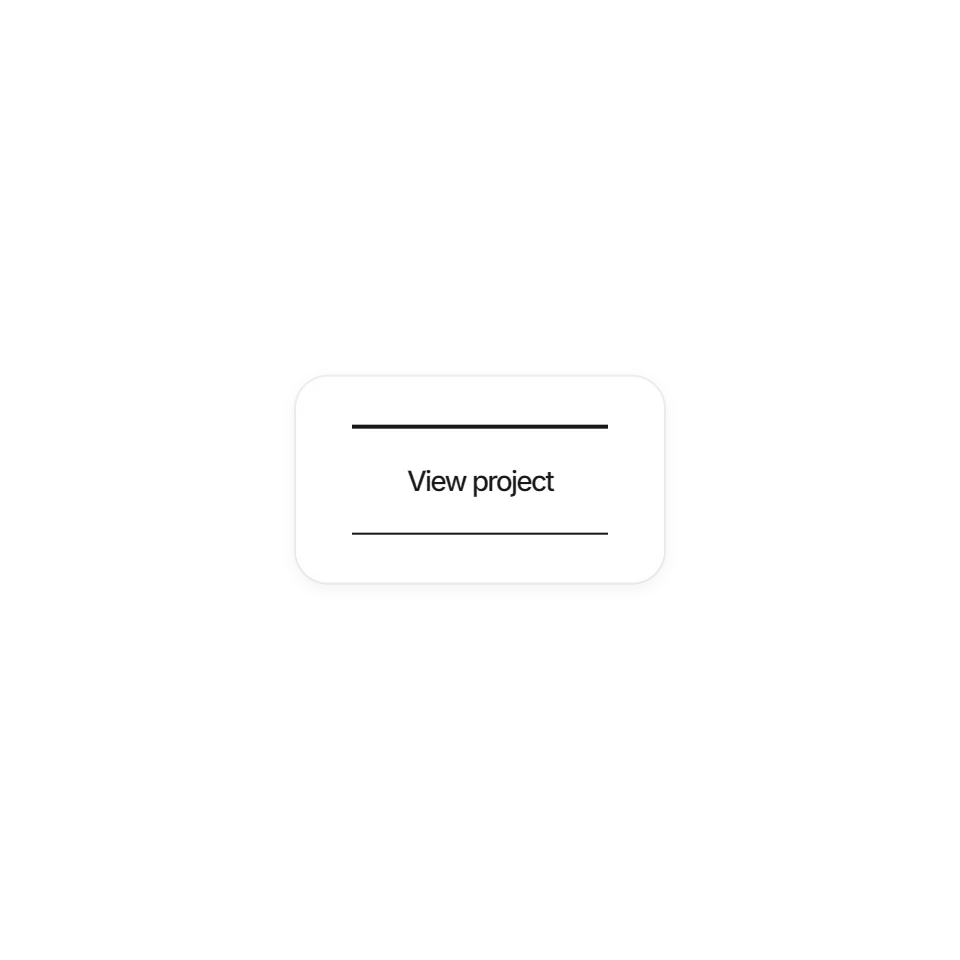 Film Jitter ButtonA button that shakes like old film on hover.
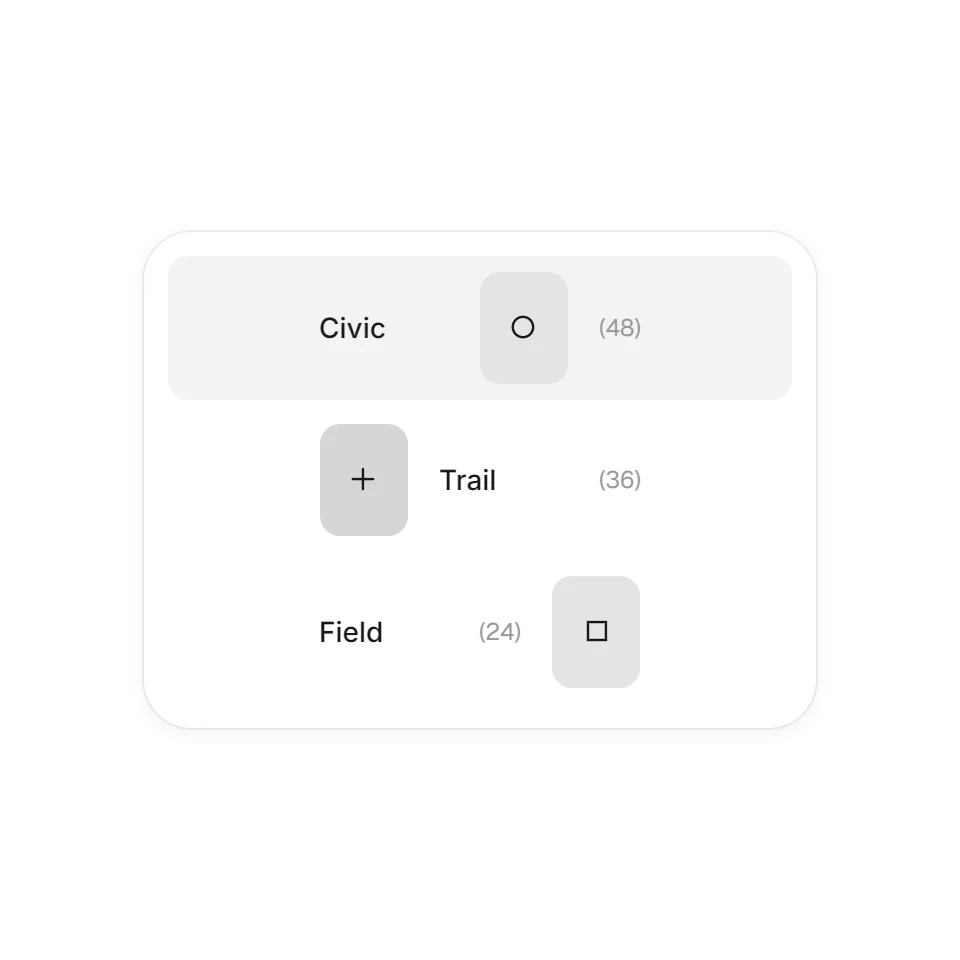 Stacked Frame IndexAn index whose thumbnails flip through frames on hover.
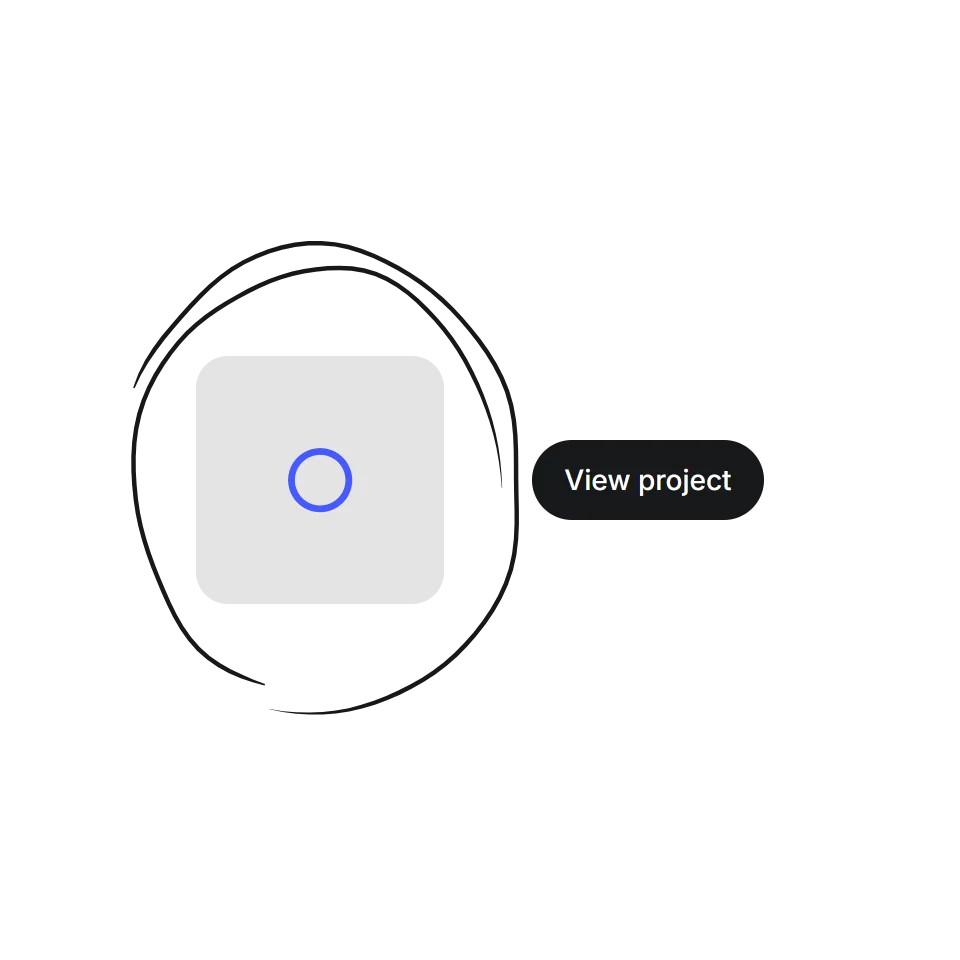 Scribble RingA hand-drawn ring that circles whatever you hover.
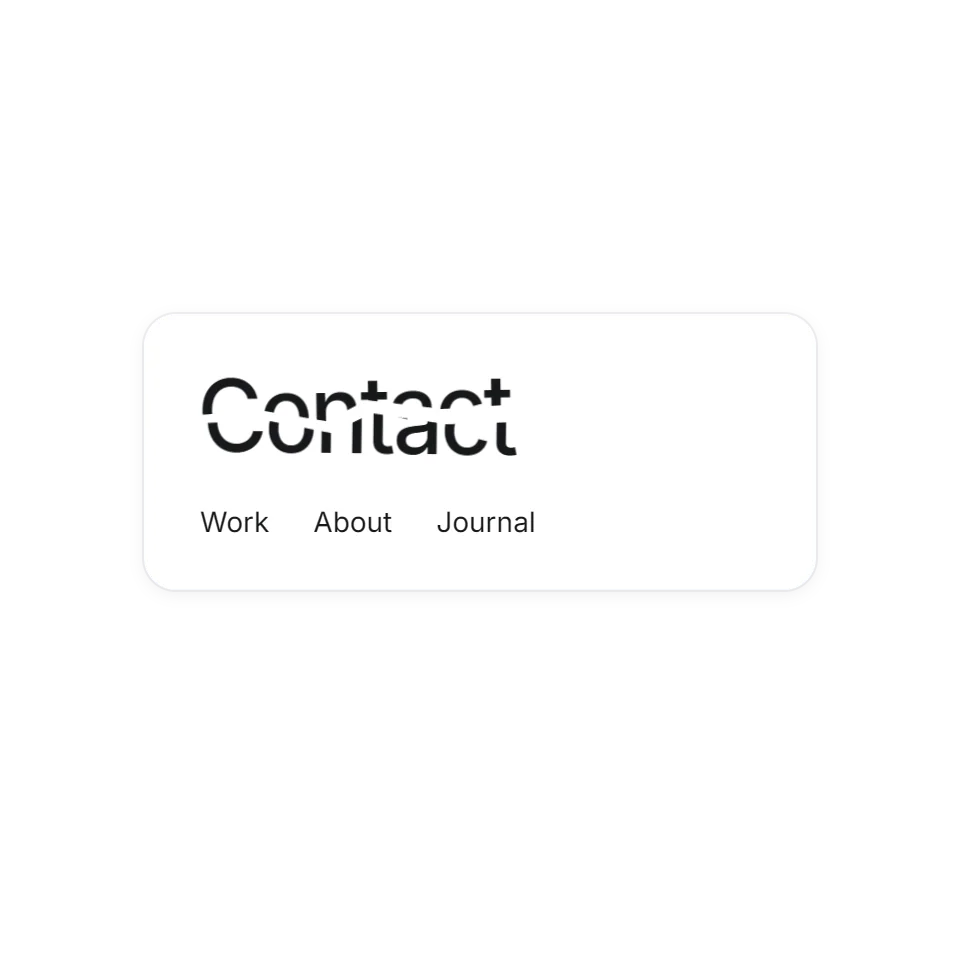 Fractured Word HoverLinks that crack along a jagged line when you point at them.
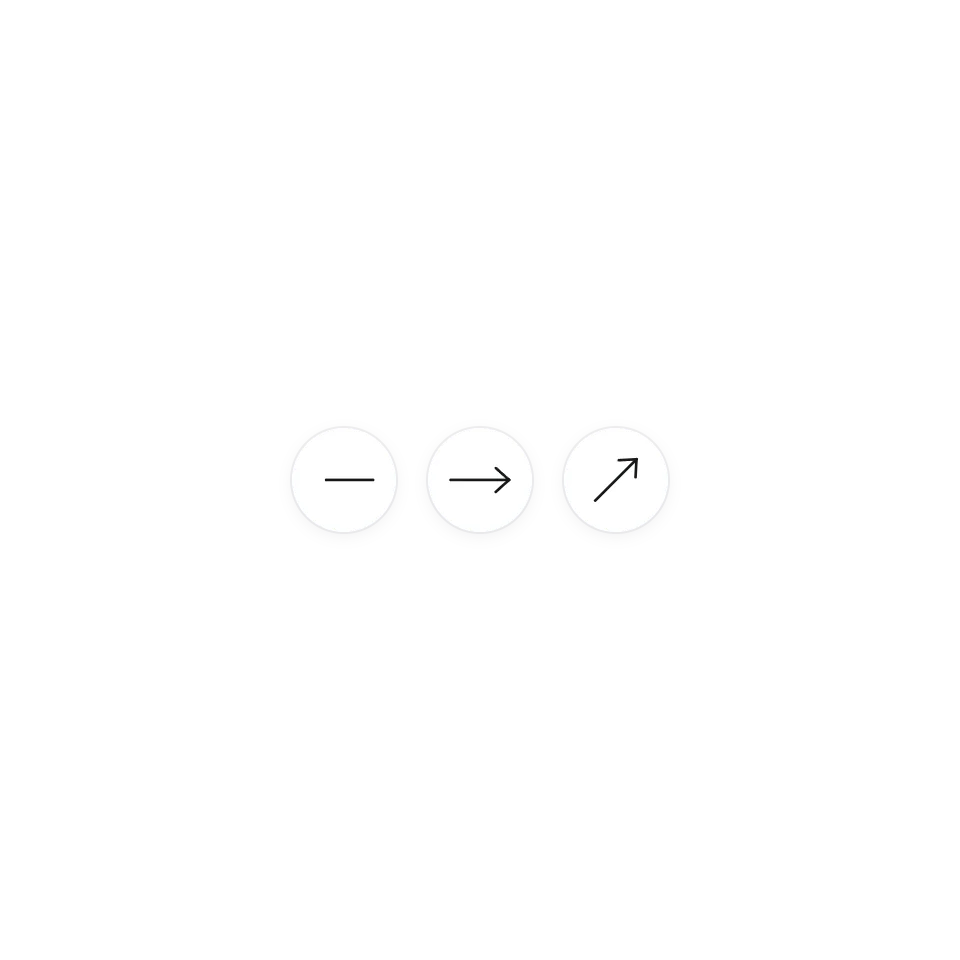 Redrawn ArrowHover an arrow: the old one slides off and erases, a new one draws itself in.
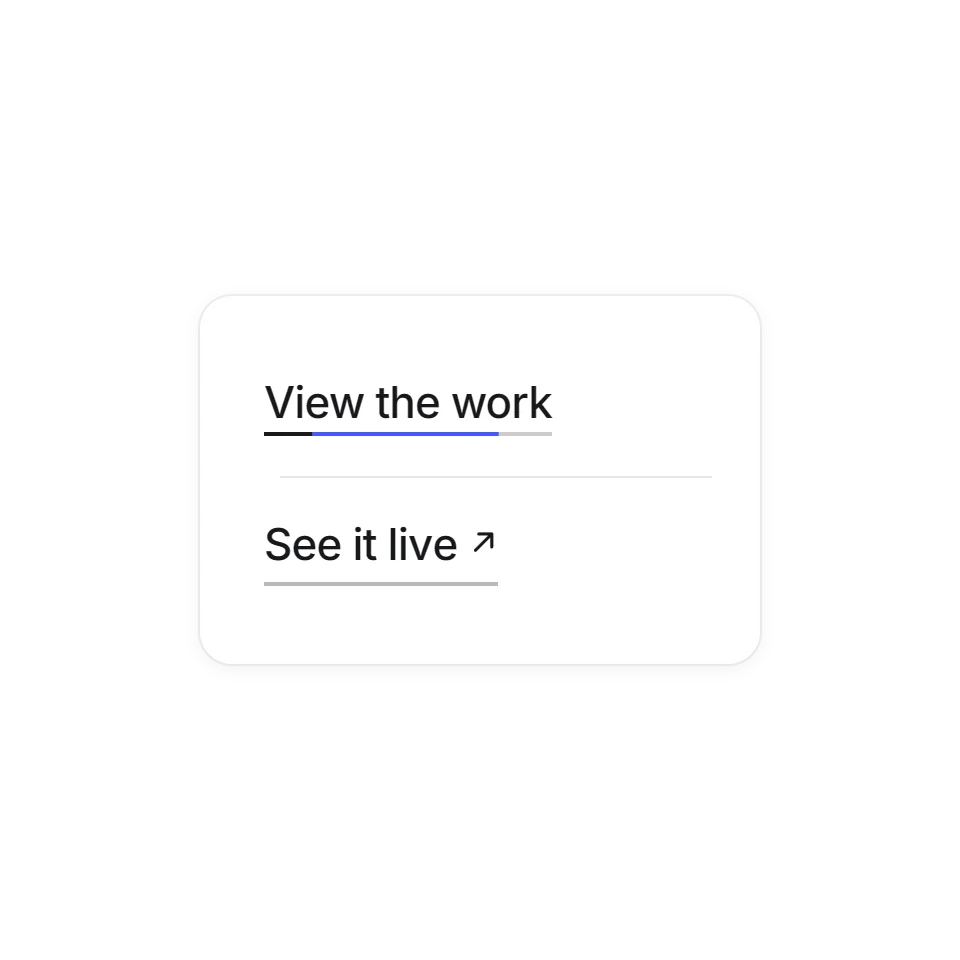 Link Hover SetTwo link hovers for real pages: a double underline that chases itself, and letters that roll with an arrow that swaps out. Hover any link.
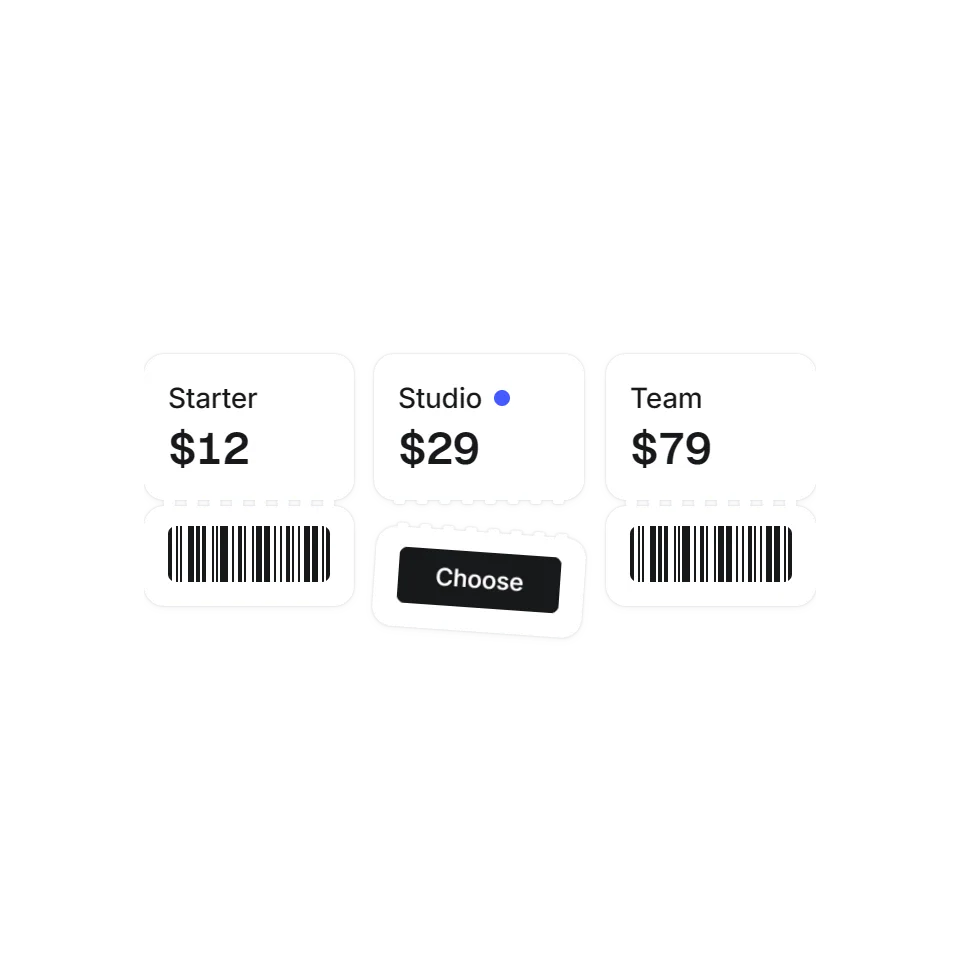 Tear-Off Pricing TicketScroll to bring the price tickets up and flip them over, then hover one to tear off its stub.
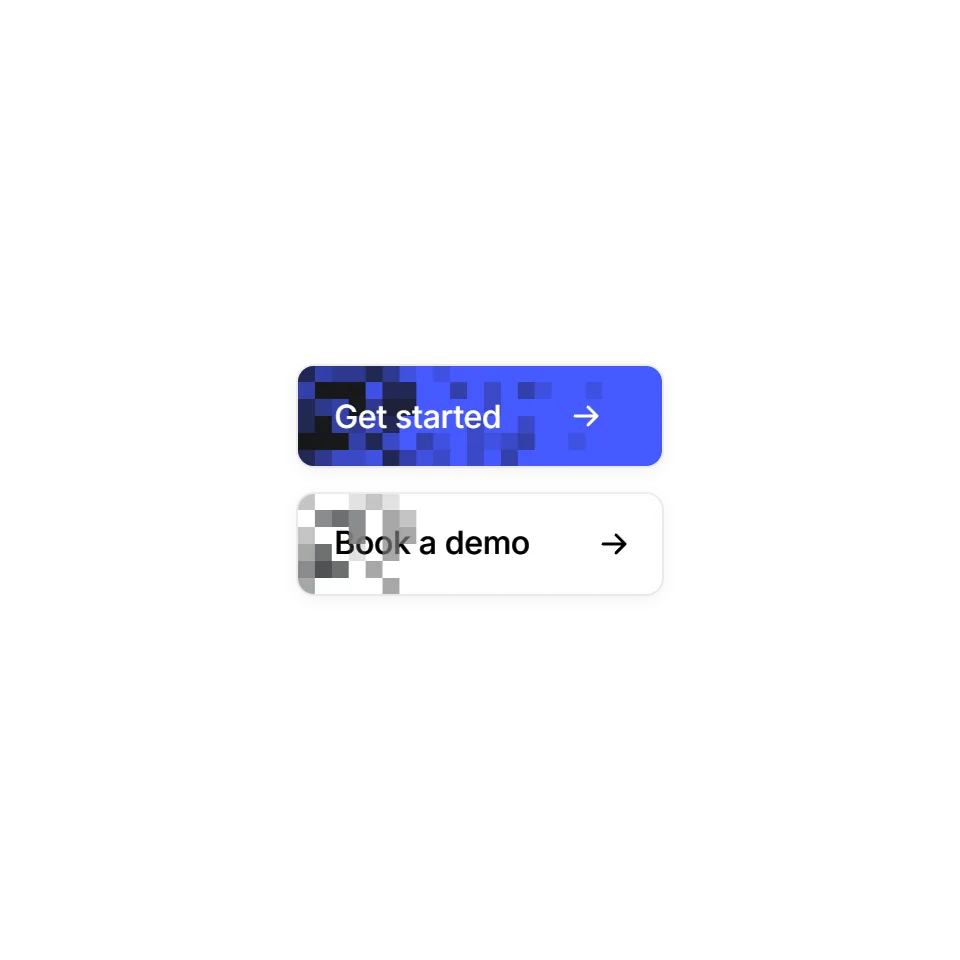 Pixel Wipe ButtonA button hover that fills in square by square, frame by frame. On the way out it never rewinds: the old colour sweeps back in from the left. Hover any button.
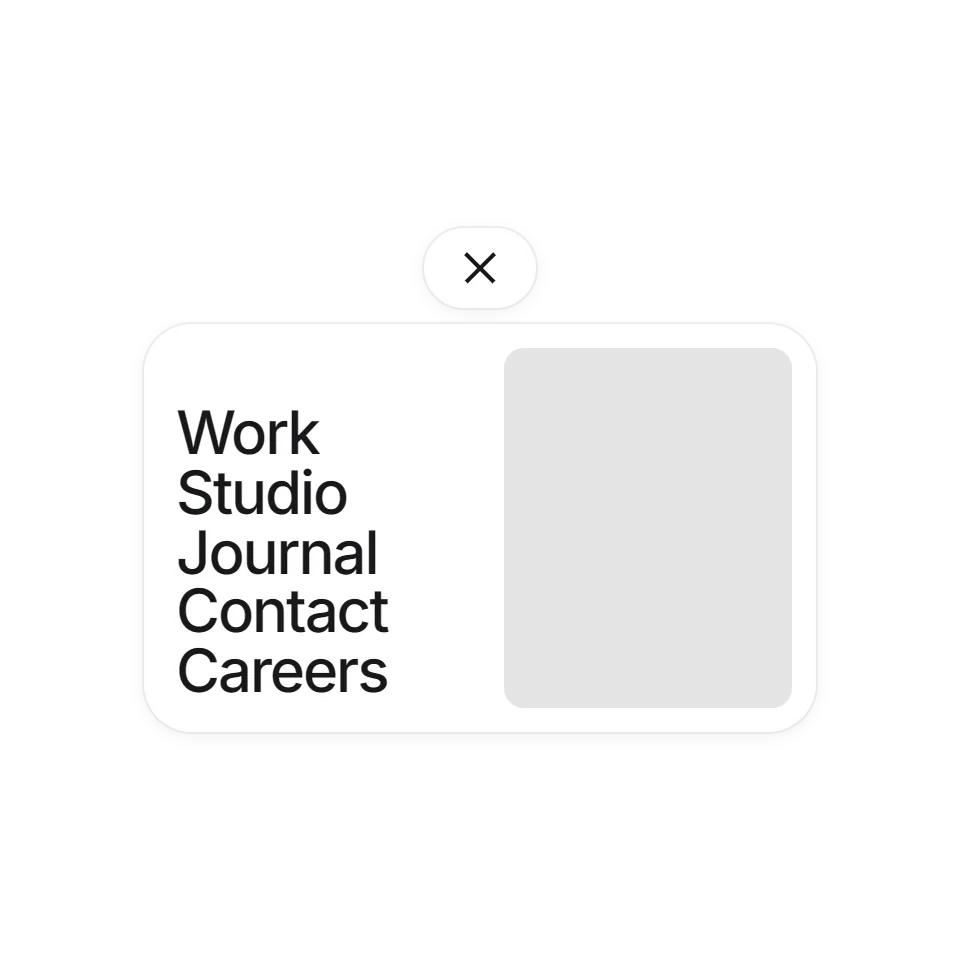 Curtain MenuA fullscreen menu with large type and live previews.
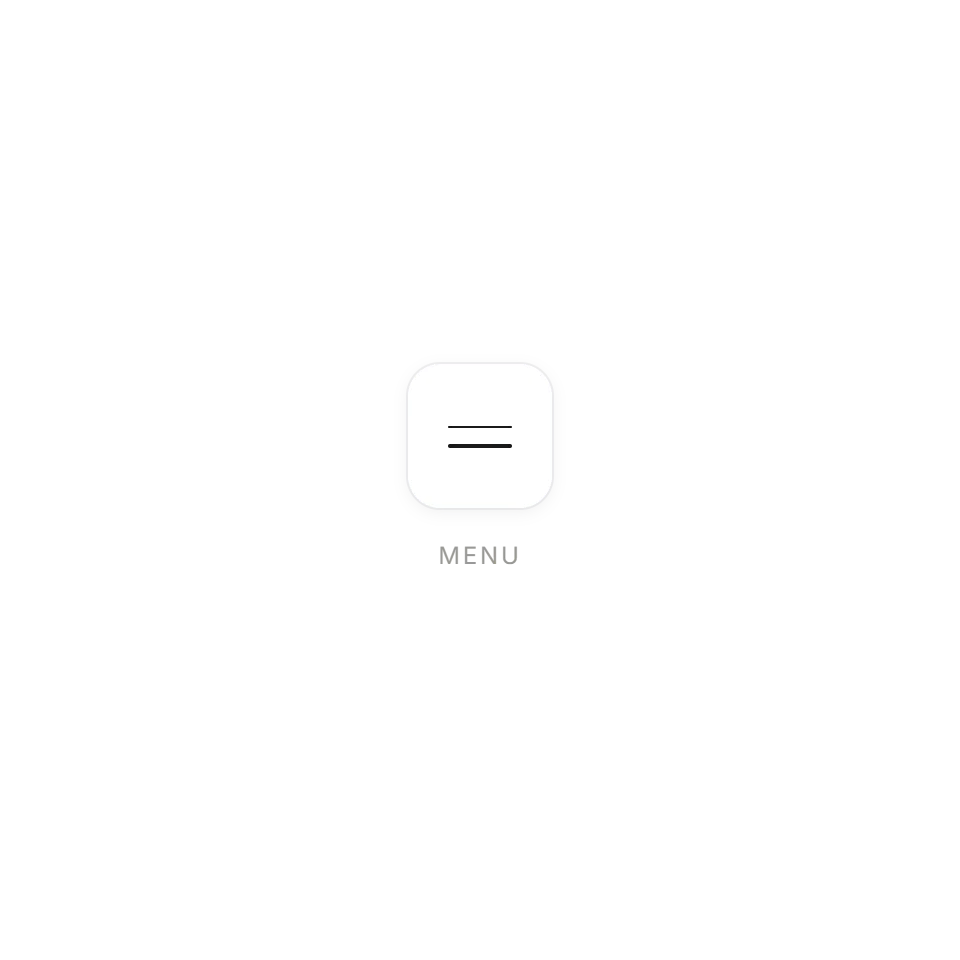 Hairline BurgerA two-line menu button that folds into a cross.
 Rotating Tab AccordionMove onto a tab to give it room. On a small screen, tap to open or close.
Where hover effects earn their place
A hover effect is the smallest piece of motion on a page, and often the one people meet first. It tells a visitor that something can be clicked before they click it. The ones collected here are for the places where that matters most: the main button, the links in a header or footer, the arrows on a carousel, the words of a large call to action.
What you get with each one
Every effect has its own page with a live demo and a few controls, so you can change the speed or the strength and see the result straight away. Most are plain CSS with a little JavaScript and need no library. The code is complete and commented for an AI assistant: copy it, hand it over, and say where it should go.
A note on touchscreens
There is no hover on a phone. Each effect here says what it does instead: most also respond to keyboard focus, and the ones that reveal something on hover open with a tap. All of them follow the visitor's reduced-motion setting.