Effects / Scroll
Scroll animations
Animations driven by scrolling: images that reveal, cards that stack and deal, full-screen chapters, and text that reacts to how fast the page moves.
 Scroll Card StackCards that slide up and stack as you scroll.
 Crosshair Image RevealAn image that unfolds from a draggable crosshair.
 Fullscreen Chapter RevealFullscreen scenes that crop open over one another.
 Noise Dissolve RevealA living, noisy edge that dissolves one layer into another.
 Smear-In GridImages that stretch in from blurred bands, out of order.
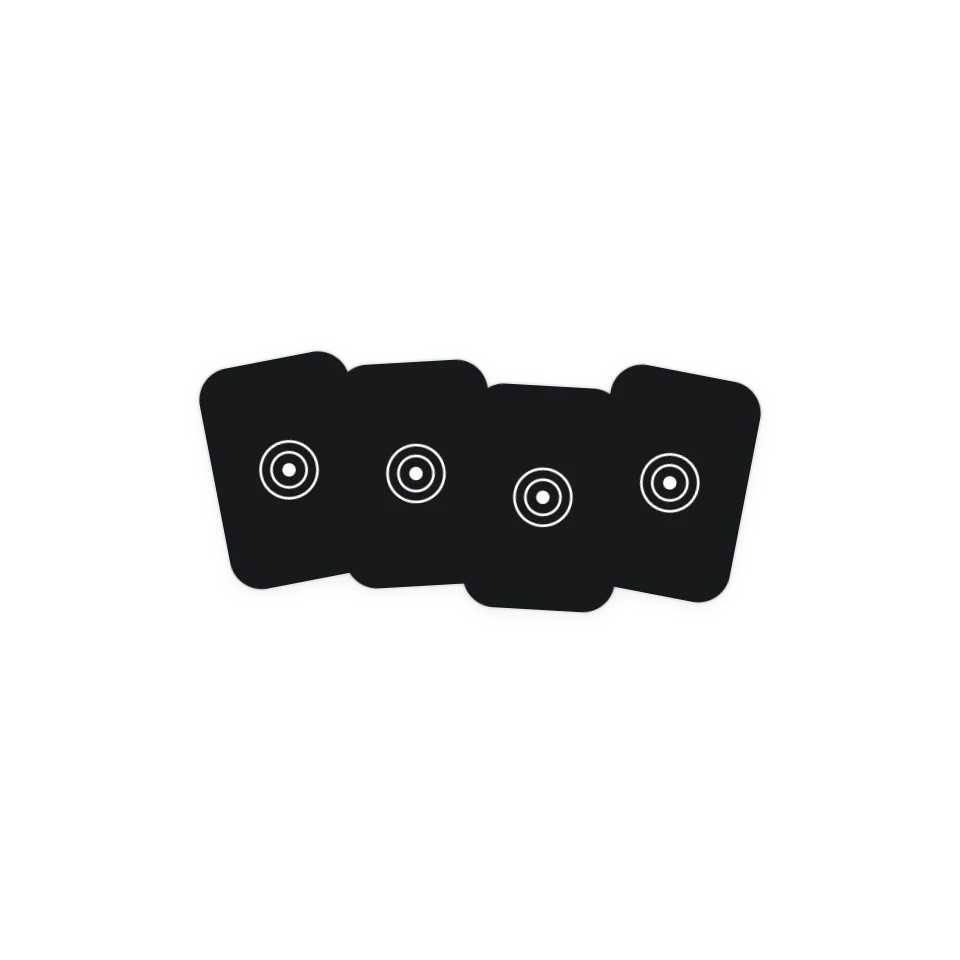 Scroll Card DealA face-down pile that deals out into a row and flips card by card as you scroll.
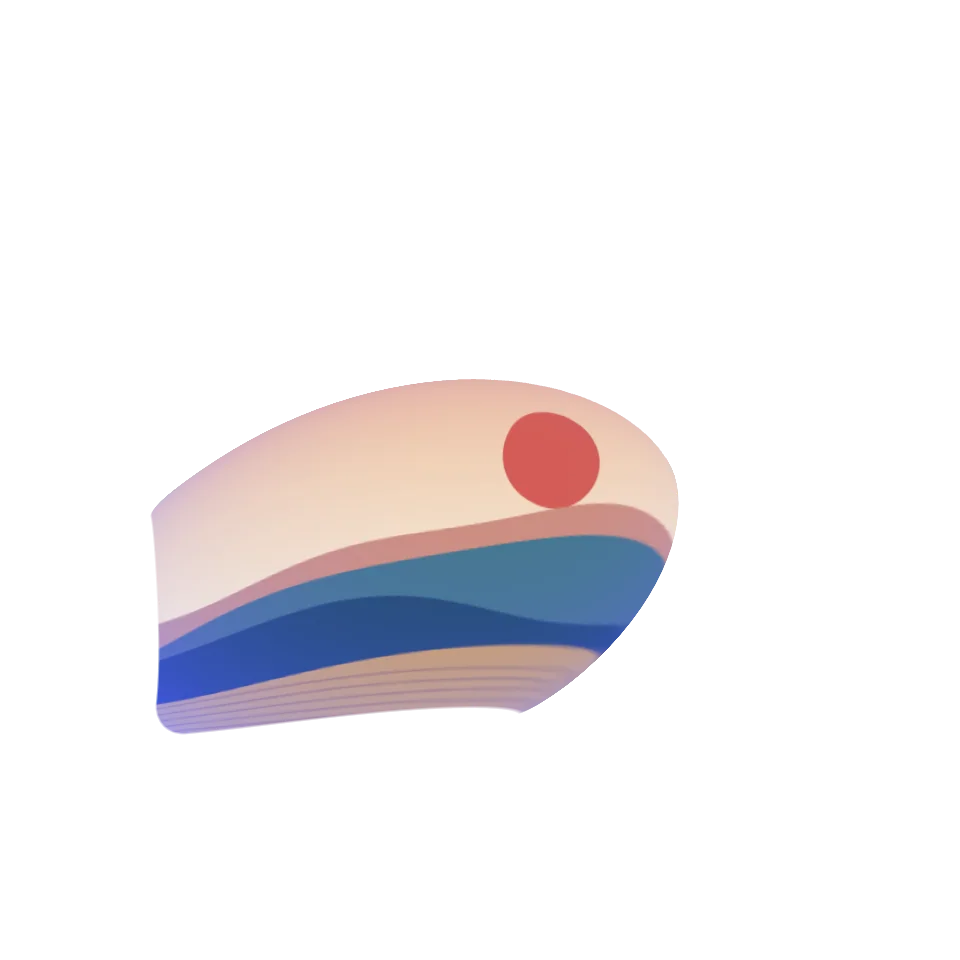 Scroll Warp ZoomScroll and the small card swells from its centre into a big one, colour flooding back in.
 Wave GalleryDrag or scroll to explore. Select an item to keep it marked.
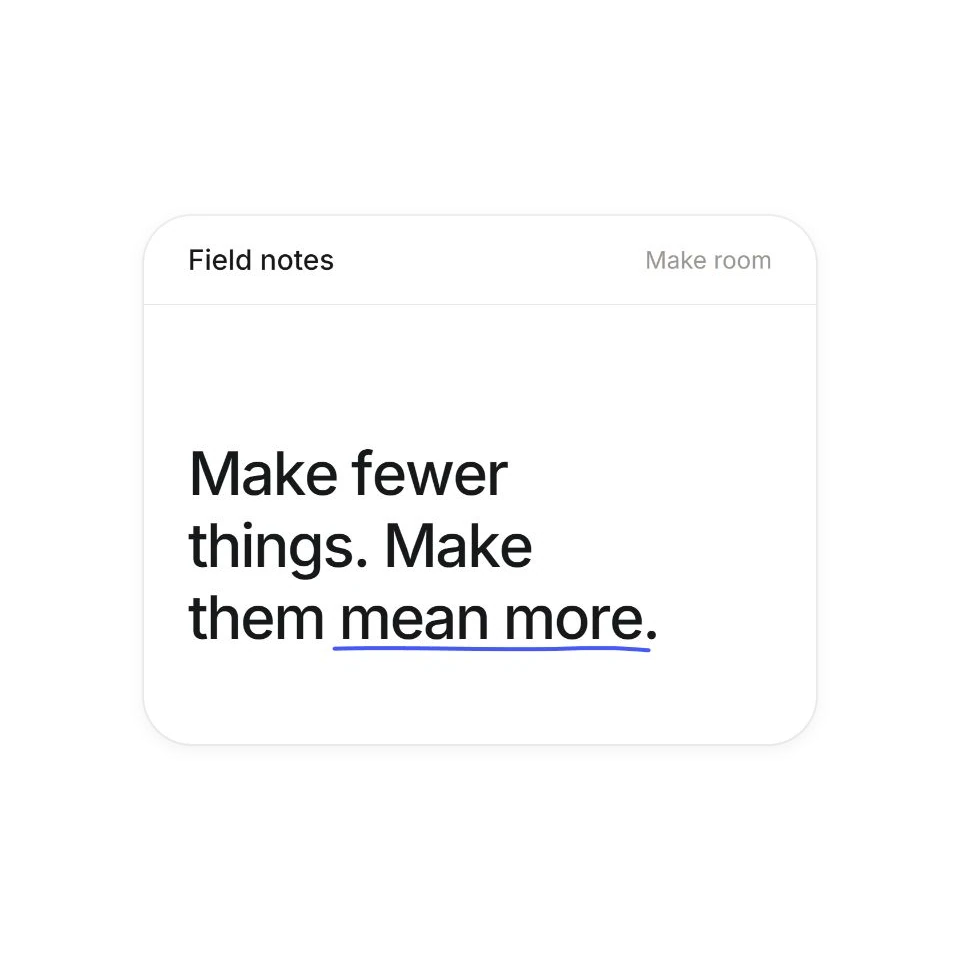 Bouncing Text EntranceLetters animate in when scrolled into view, then stay for you to read. Replay to try your settings again.
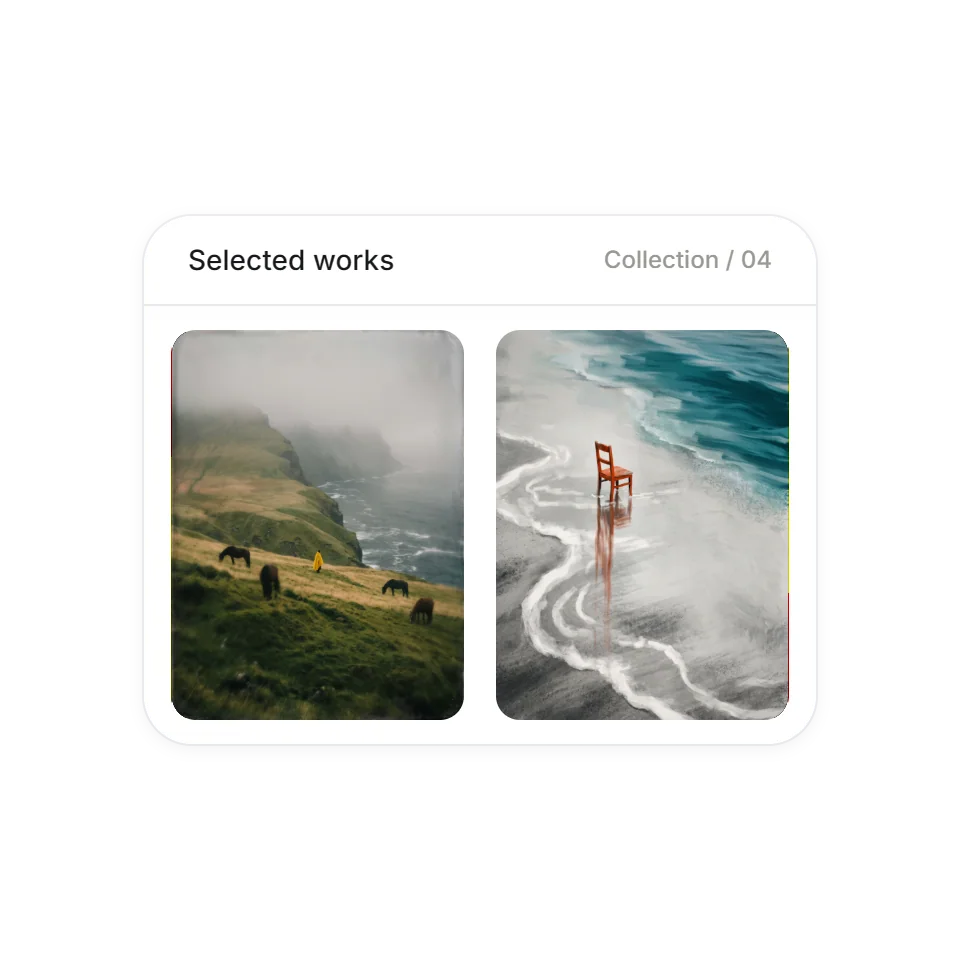 Edge Refraction DispersionWheel or drag over the pictures to browse continuously in either direction. Use the arrow keys, or Tab to leave the gallery.
 Scroll Speed ScrambleA headline that scrambles into letters the faster you scroll.
 Mask Decode RevealInk bars sweep across headlines while labels decode.
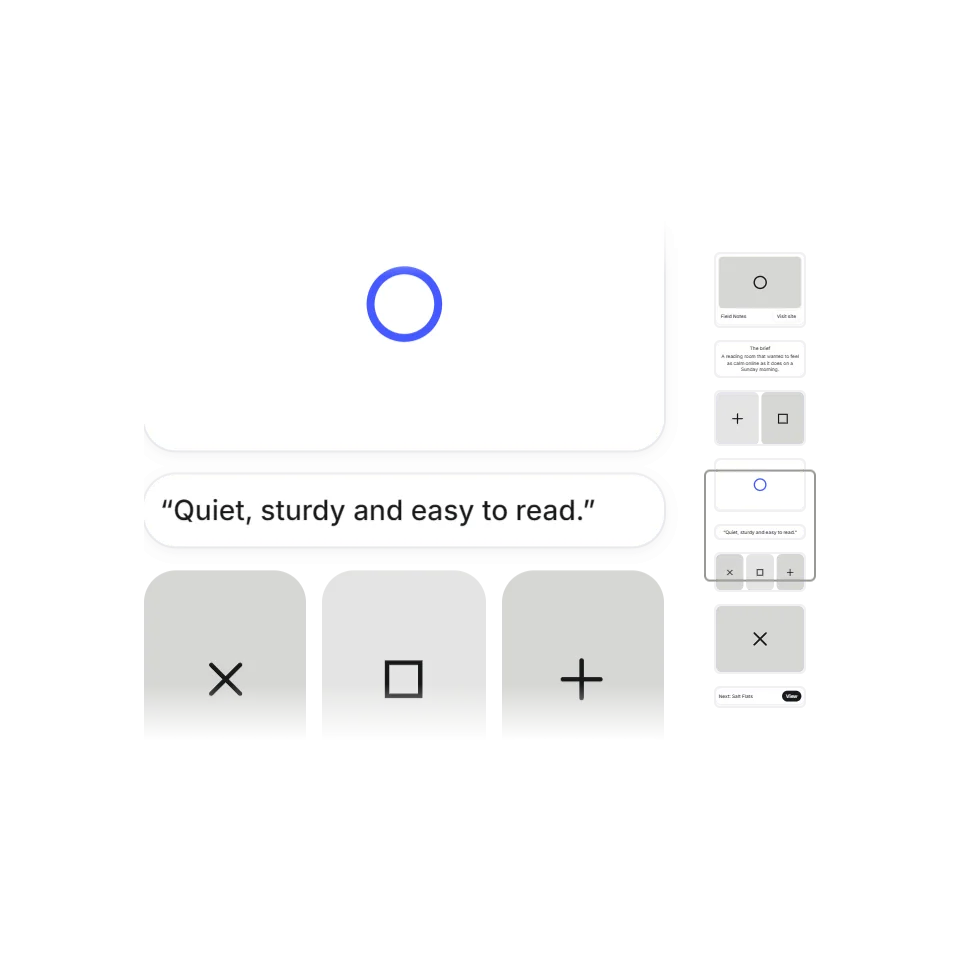 Scroll MinimapA little map of the whole page, with a frame showing where you are. Scroll, or click a block to jump.
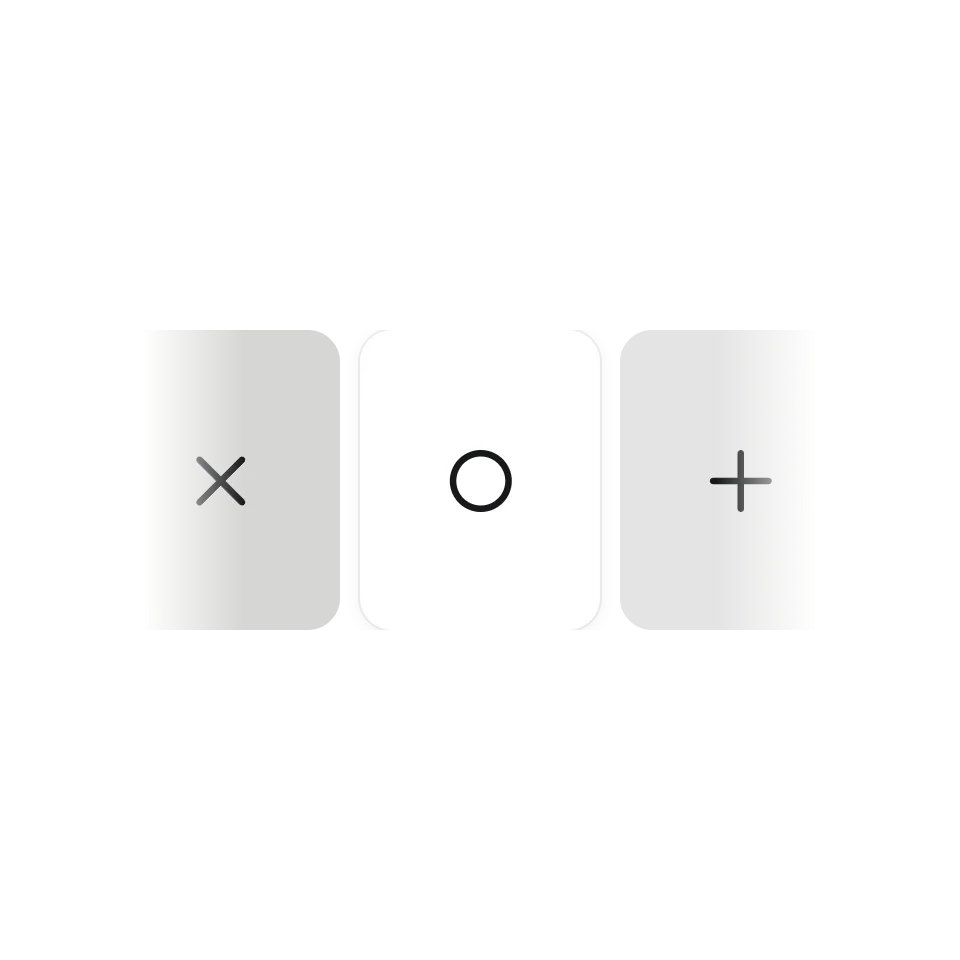 Horizontal Wheel StripA horizontal strip that glides with inertia.
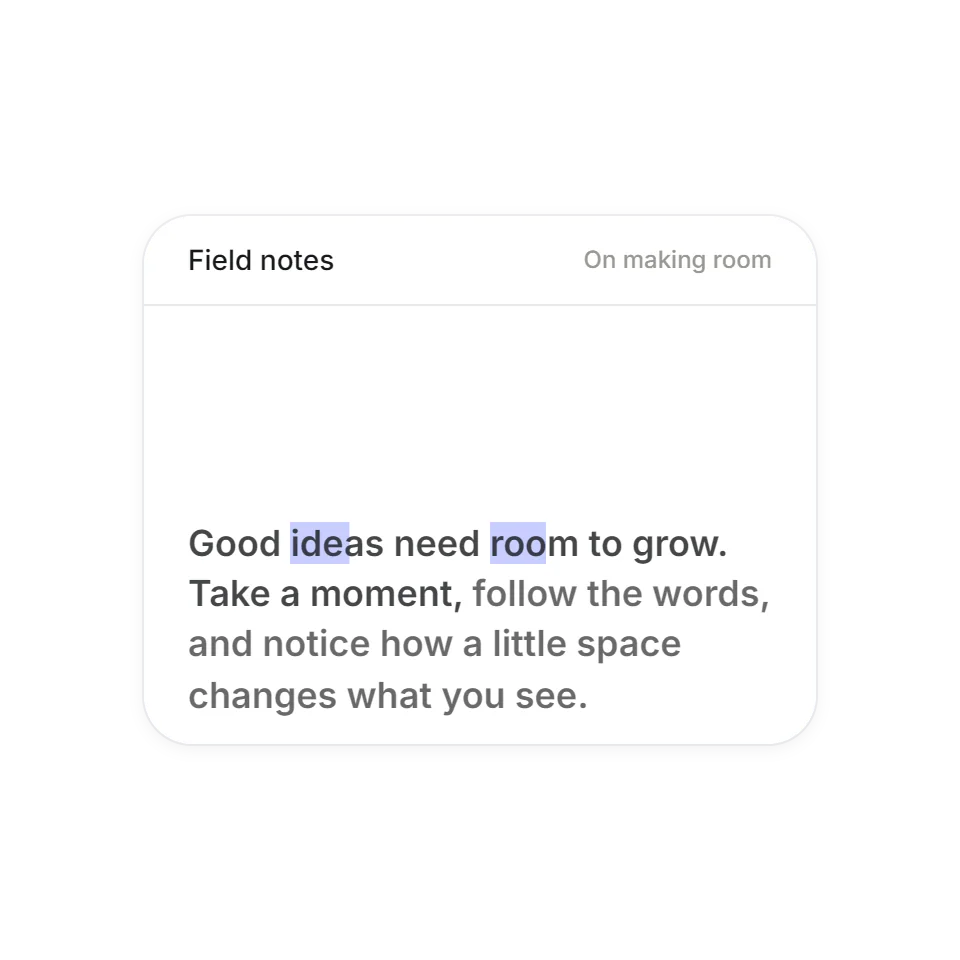 Word-by-Word Reading HighlightScroll anywhere over the preview to read the passage in a continuous loop. Reverse direction to retrace the words and highlighted phrases.
What scroll animation is good at
Scrolling is how people read a page, so motion tied to it never asks for extra effort. It can set the pace of a story: one image opens, a card slides over the last one, a paragraph lights up word by word. The effects here are for case studies, long landing pages and anywhere a section should arrive with some weight.
What you get with each one
Every effect has its own page where you can scroll through it and change a few settings. Nearly all are plain JavaScript and CSS with no scroll plugin; where a library is used, it comes with the download. The code is complete and commented for an AI assistant: copy it, hand it over, and say which section it should drive.
Keeping the page usable
The effects that take over the wheel give it back when they reach their end, so a reader is never stuck inside one. They work with touch dragging, and each page lists the keys it answers to. All of them follow the visitor's reduced-motion setting.