Effects / Menus
Menu animations
Animated navigation: dropdowns, a full-screen menu, a burger button, an accordion, and a few small pieces for the header.
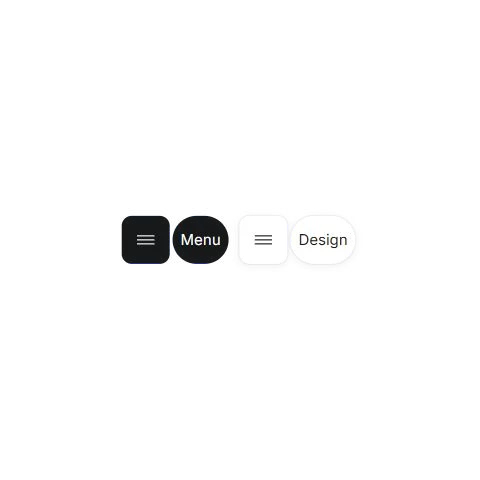 Elastic MenuOpen Menu or Design to reveal the actions. Try a palette or a type style.
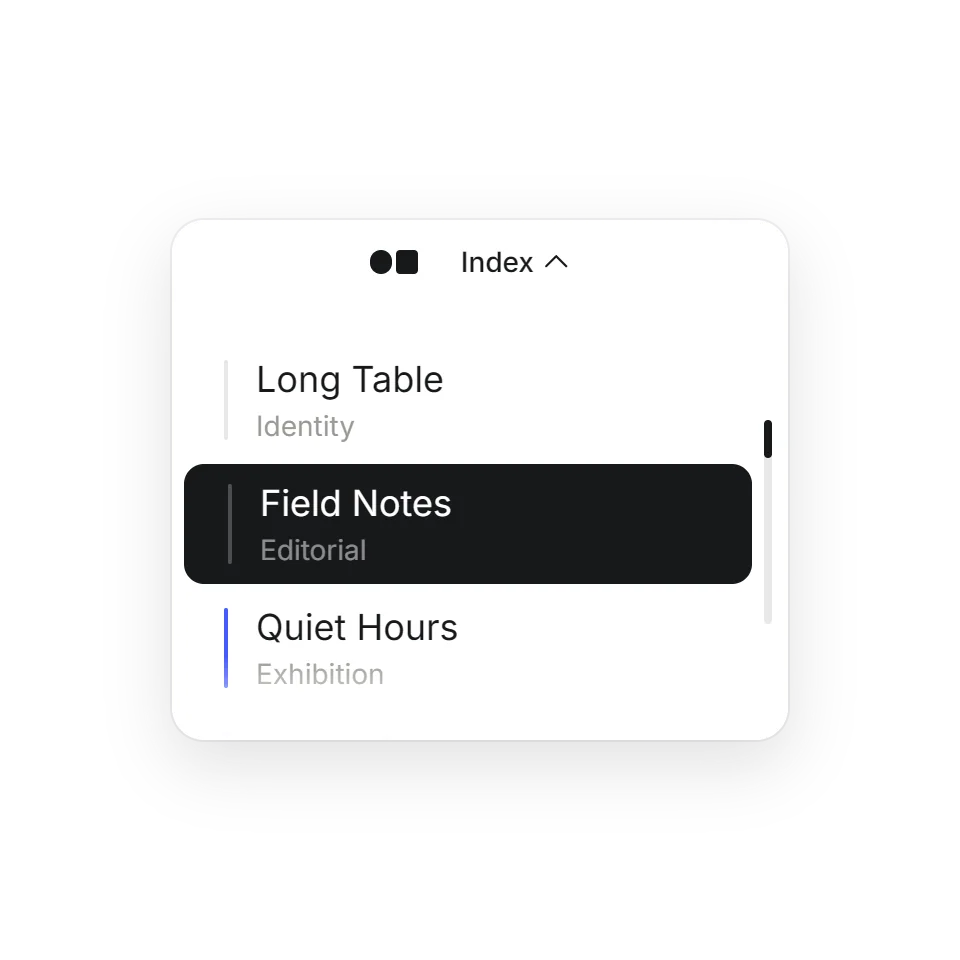 Dock Menu DropdownA compact nav that grows into a scrollable index.
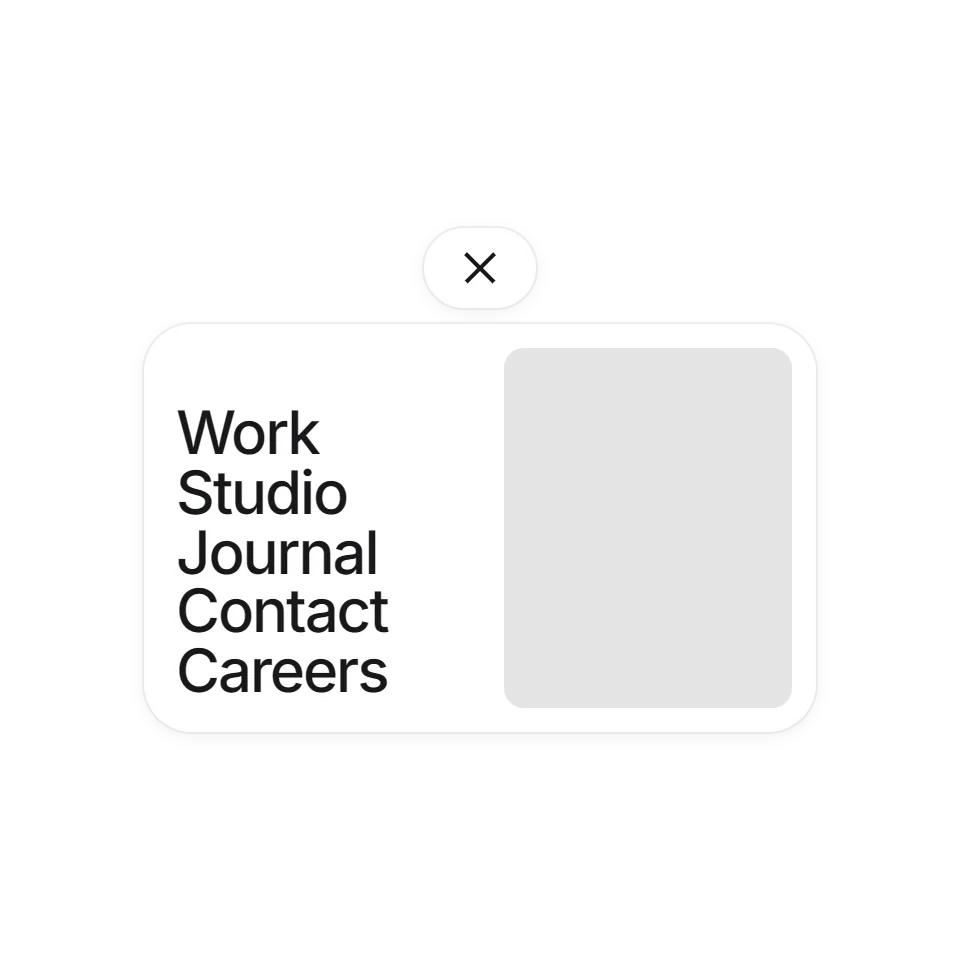 Curtain MenuA fullscreen menu with large type and live previews.
 Hairline BurgerA two-line menu button that folds into a cross.
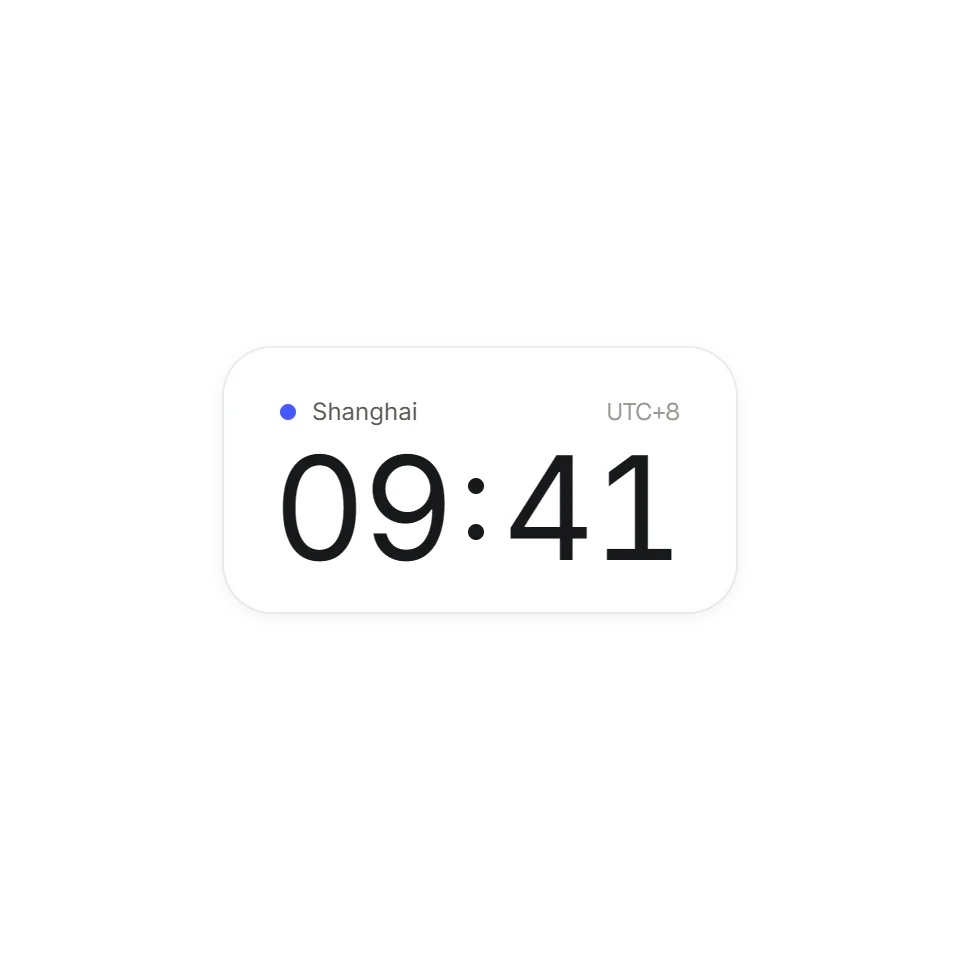 Local Clock PillA local-time pill that rolls over to a contact link.
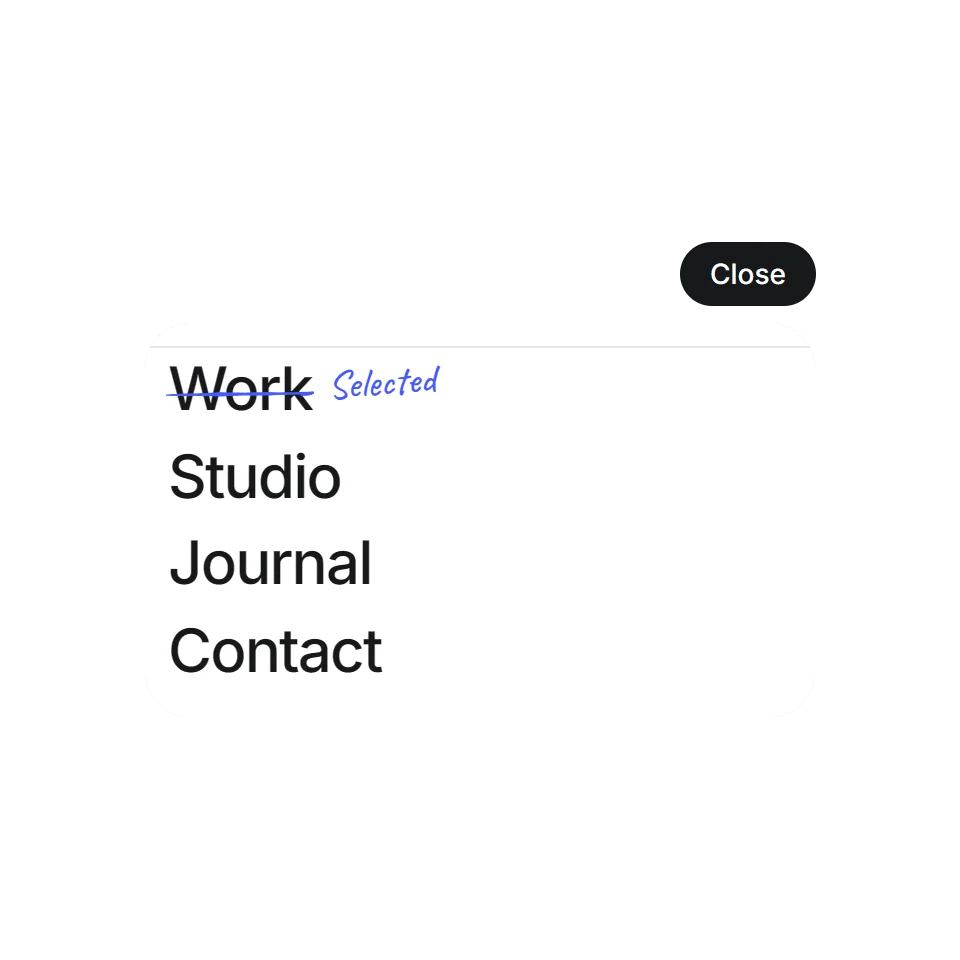 Annotated MenuHover a menu item and it gets struck through and rewritten by hand, like a marked-up proof.
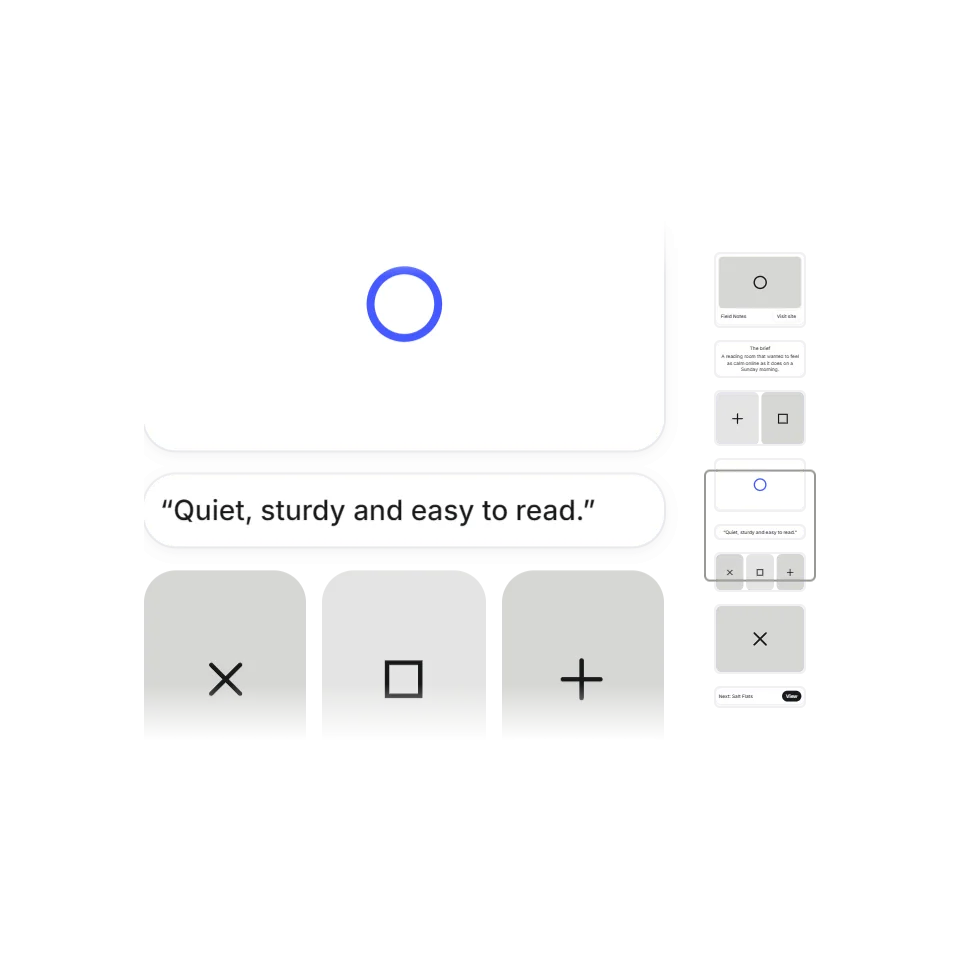 Scroll MinimapA little map of the whole page, with a frame showing where you are. Scroll, or click a block to jump.
 Rotating Tab AccordionMove onto a tab to give it room. On a small screen, tap to open or close.
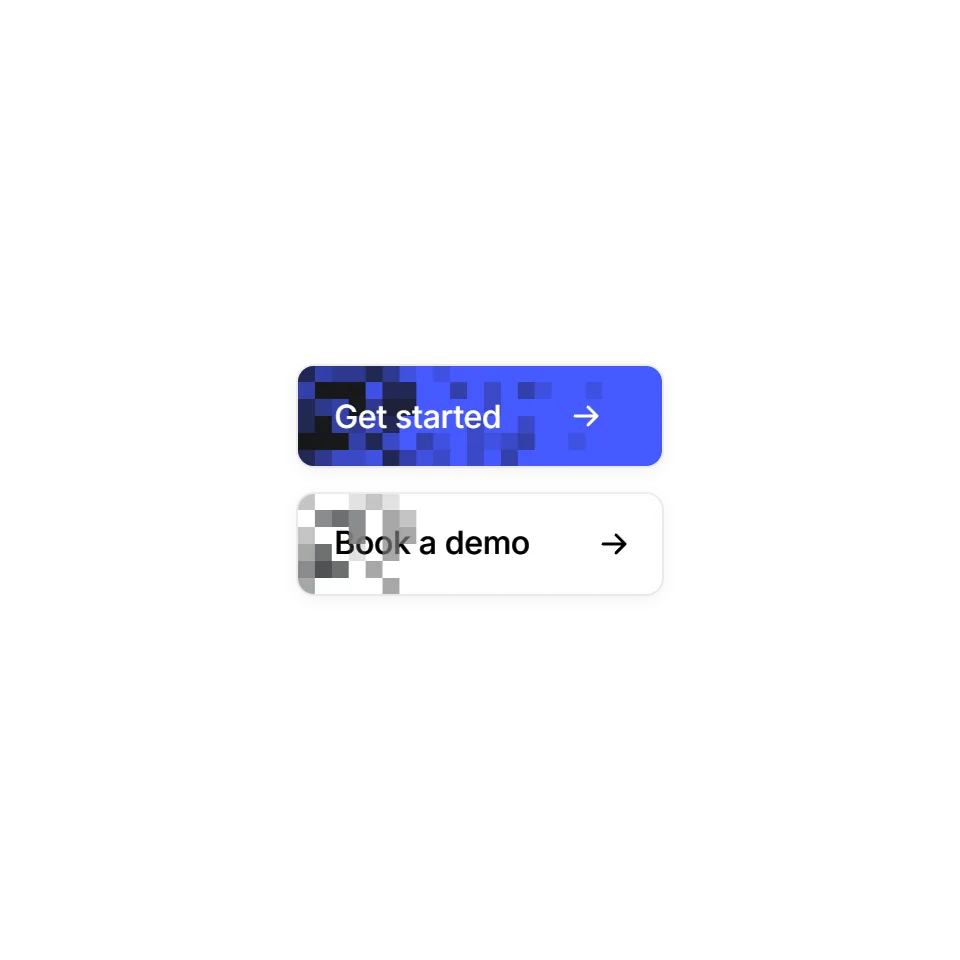 Pixel Wipe ButtonA button hover that fills in square by square, frame by frame. On the way out it never rewinds: the old colour sweeps back in from the left. Hover any button.
Why the menu is worth animating
A menu is used on nearly every visit, so the way it opens colours how the whole site feels. Good menu motion is short and shows where things come from: the panel grows out of the button that opened it, and closes back into it. The pieces here range from a single burger button to a complete full-screen menu.
What you get with each one
Every effect has its own page where you can open it, close it and adjust the timing. You fill it with your own links and labels. Most are plain JavaScript and CSS; where a library is used, it comes with the download. The code is complete and commented for an AI assistant: copy it, hand it over, and say where your navigation lives.
Touch and reduced motion
Everything here opens with a click or a tap, so it works the same on a phone. Hover details are extras on top. All of them follow the visitor's reduced-motion setting.