Effects / Galleries
Carousels and galleries
Ways to show a set of images or cards: carousels you can drag and flick, a curved wall, stacks that deal out as the page scrolls.
 Wave GalleryDrag or scroll to explore. Select an item to keep it marked.
 Stacked Card CarouselMove through the stack. Focus a card, then select it.
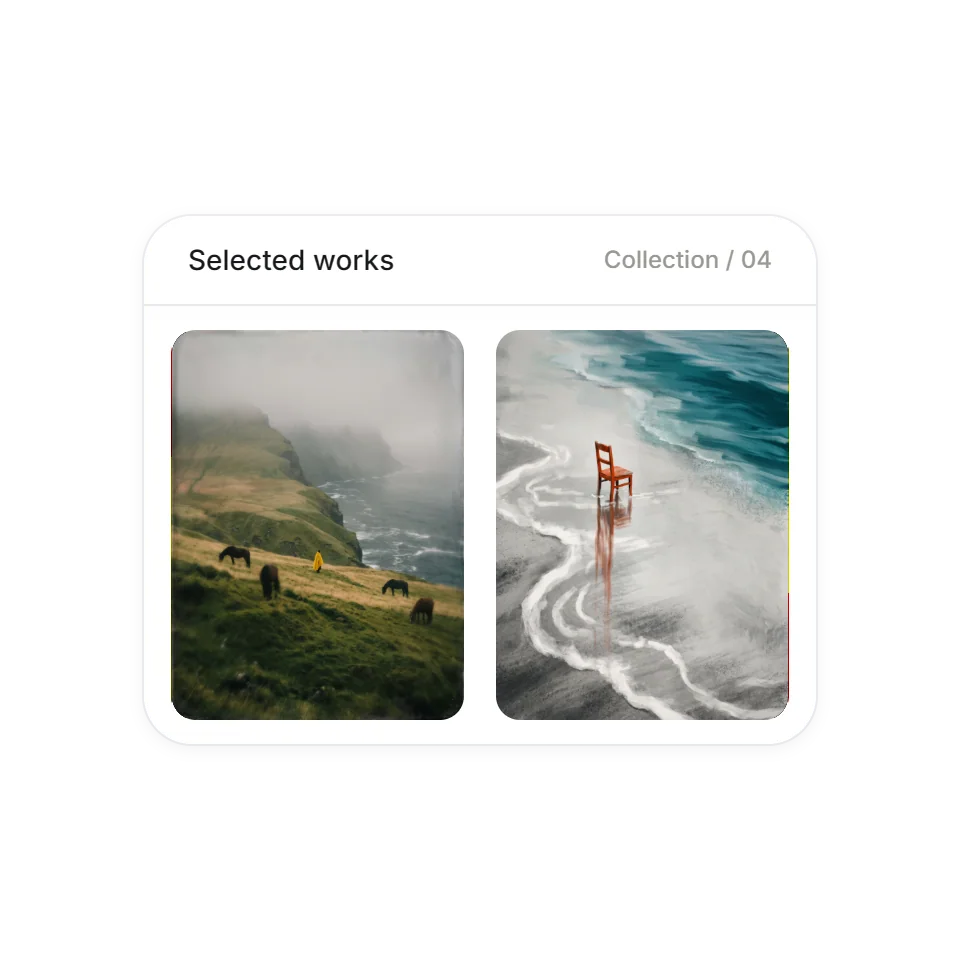 Edge Refraction DispersionWheel or drag over the pictures to browse continuously in either direction. Use the arrow keys, or Tab to leave the gallery.
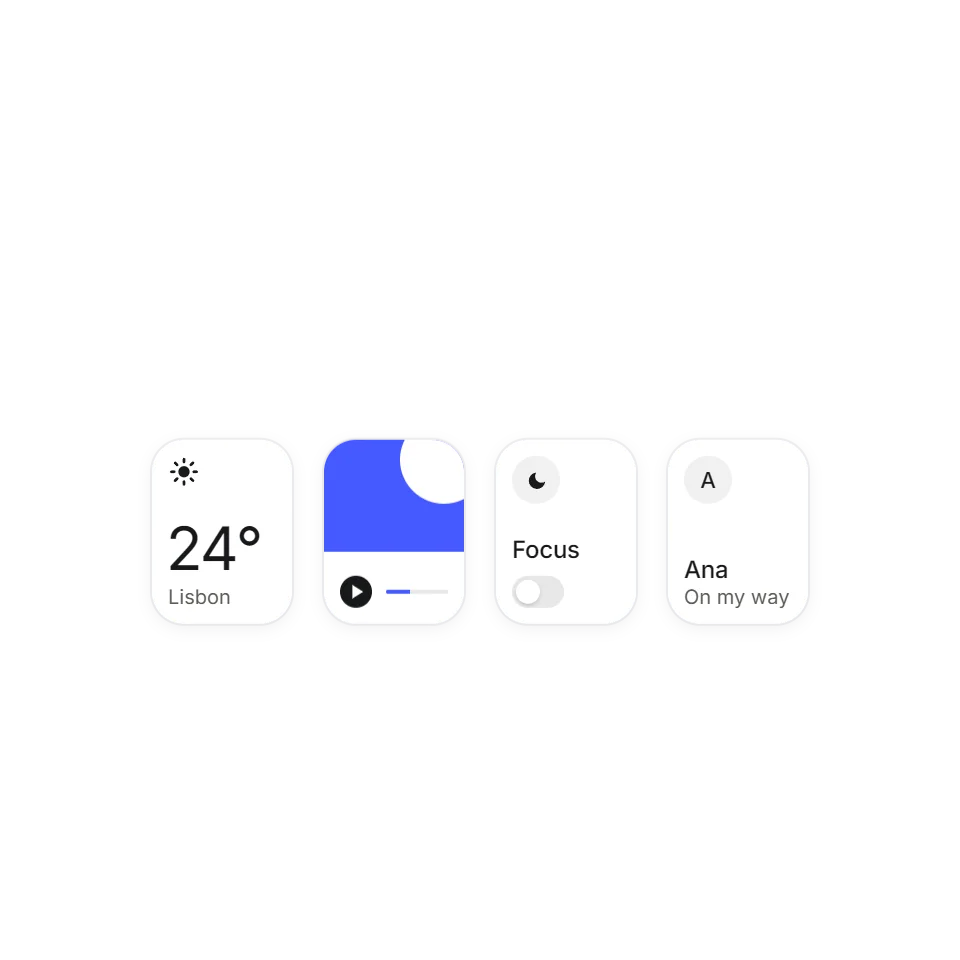 Inertia DragTiles you can toss that glide, tilt, and settle.
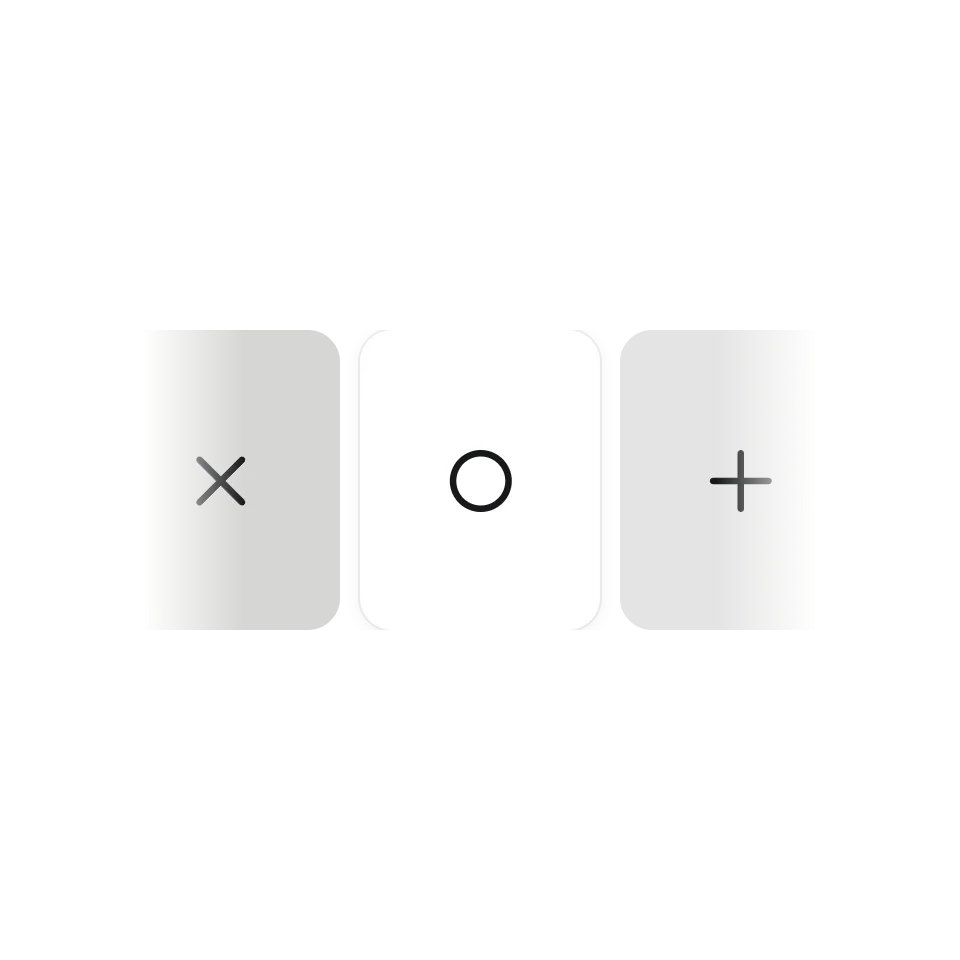 Horizontal Wheel StripA horizontal strip that glides with inertia.
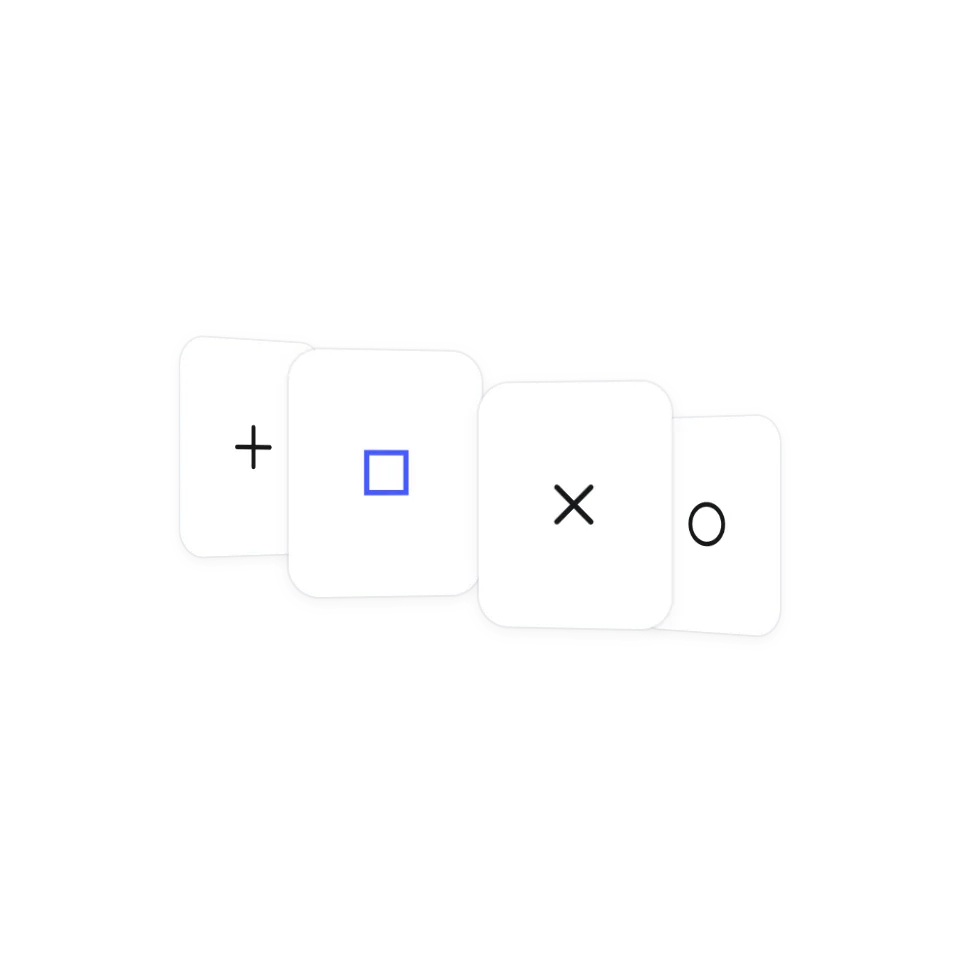 Curved GalleryA drag-to-spin gallery curved like a wall.
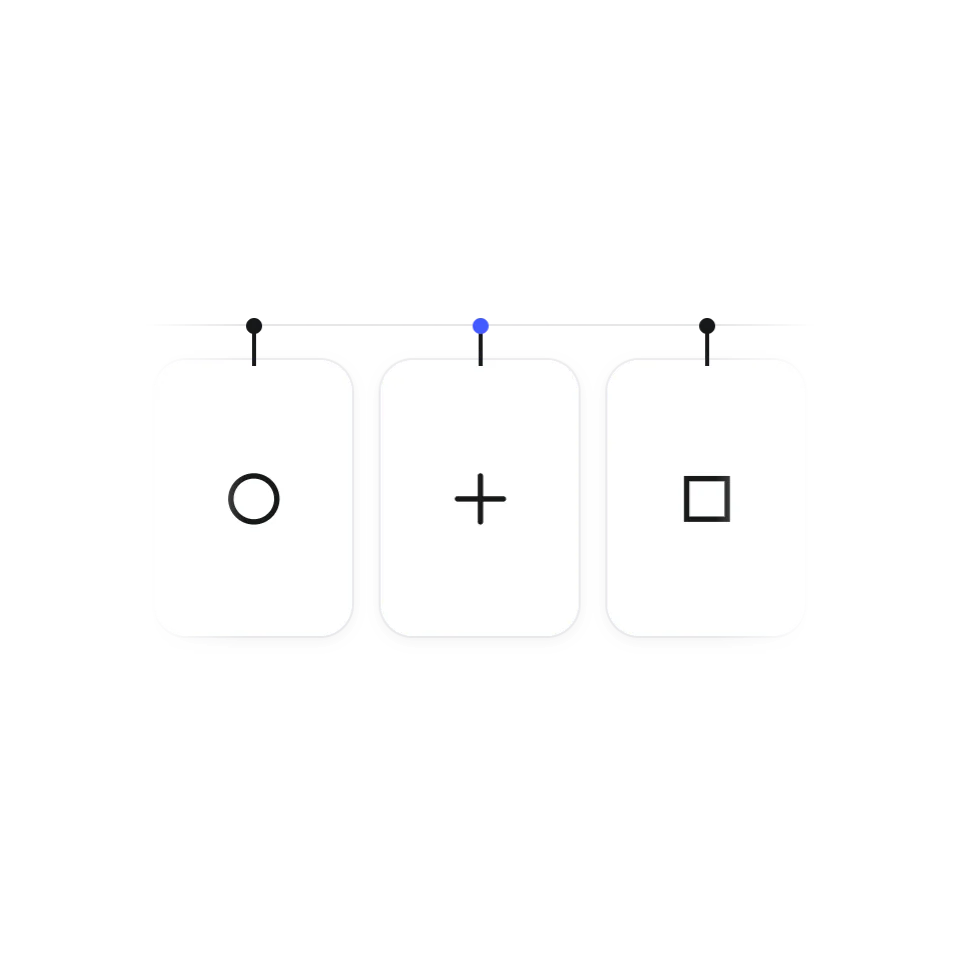 Hanging Card CarouselA row of hanging cards that swing when flung.
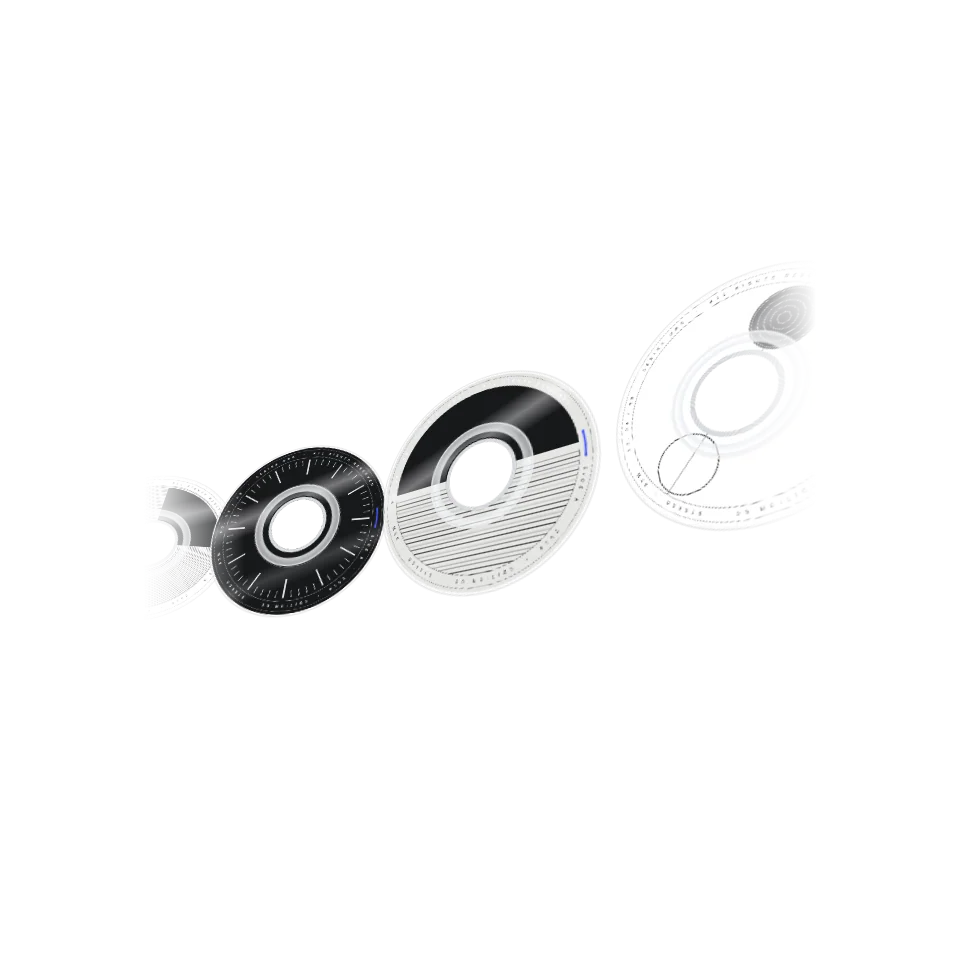 Disc CarouselA tilted row of discs that turns one at a time.
 Scroll Card StackCards that slide up and stack as you scroll.
 Scroll Card DealA face-down pile that deals out into a row and flips card by card as you scroll.
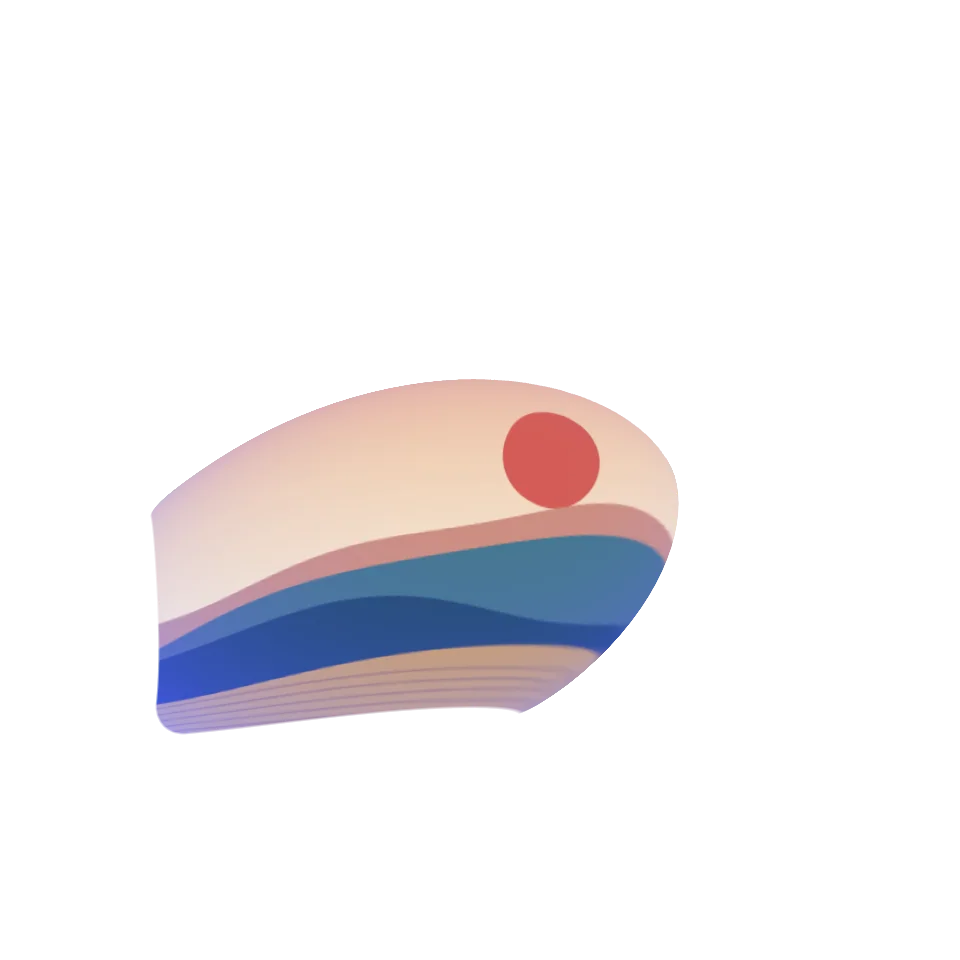 Scroll Warp ZoomScroll and the small card swells from its centre into a big one, colour flooding back in.
Picking a gallery
A gallery has one job, which is to let someone get through a set of things without feeling the effort. Which one fits depends on how much there is to show. A stack or a small carousel suits five or six pieces of work. A strip or a curved wall can carry dozens. The ones that run on scroll suit a page that tells its story from top to bottom.
What you get with each one
Every effect has its own page where you can drag it and change a few settings. The slides are your own images, cards and links. Many are plain JavaScript; the ones that use GSAP or Three.js include the library and its licence in the download. The code is complete and commented for an AI assistant: copy it, hand it over, and say what goes in the slides.
Dragging, keys and touch
These are built to be handled: drag with a mouse or a finger, let go and they glide. Several also move with the wheel and the arrow keys, and each page lists what it supports. All of them follow the visitor's reduced-motion setting.