Effects / Cursor
Cursor effects
Effects that follow the pointer: a custom cursor, a trail, a field of cards that leans away, a mask that opens where the mouse is.
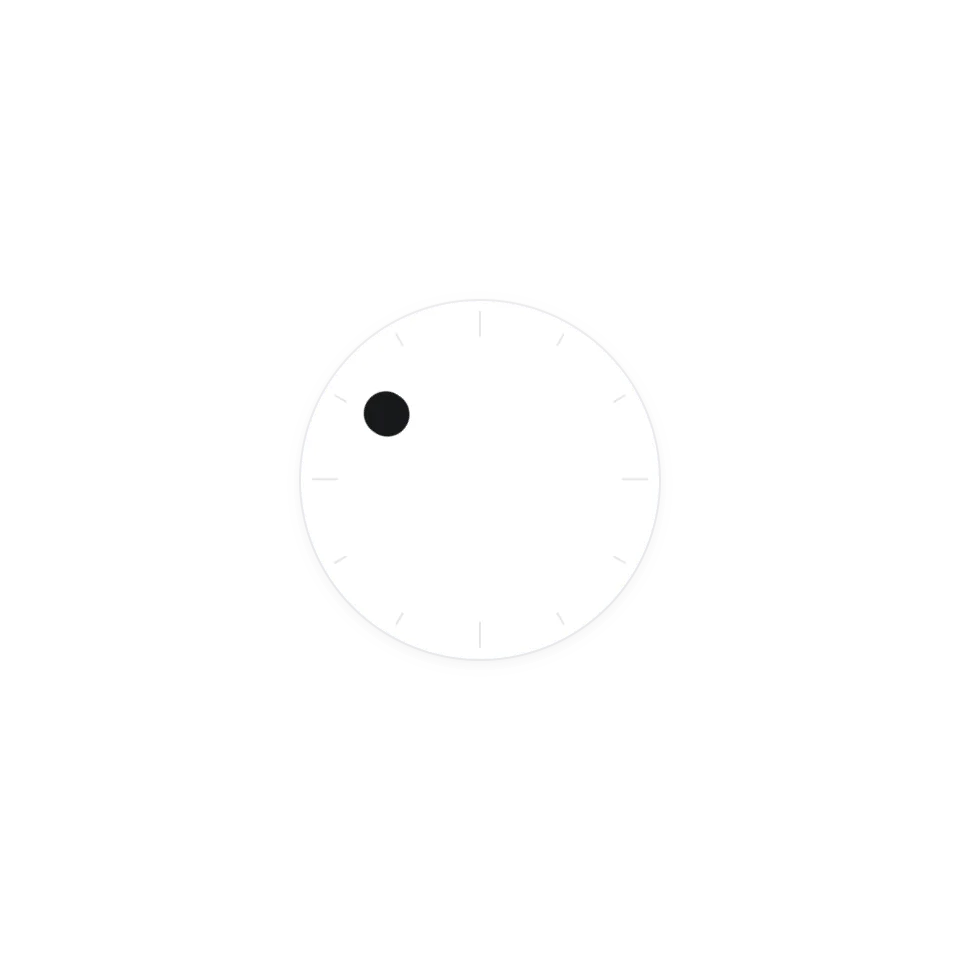 Orbit CursorA dial whose dot follows your cursor around the ring.
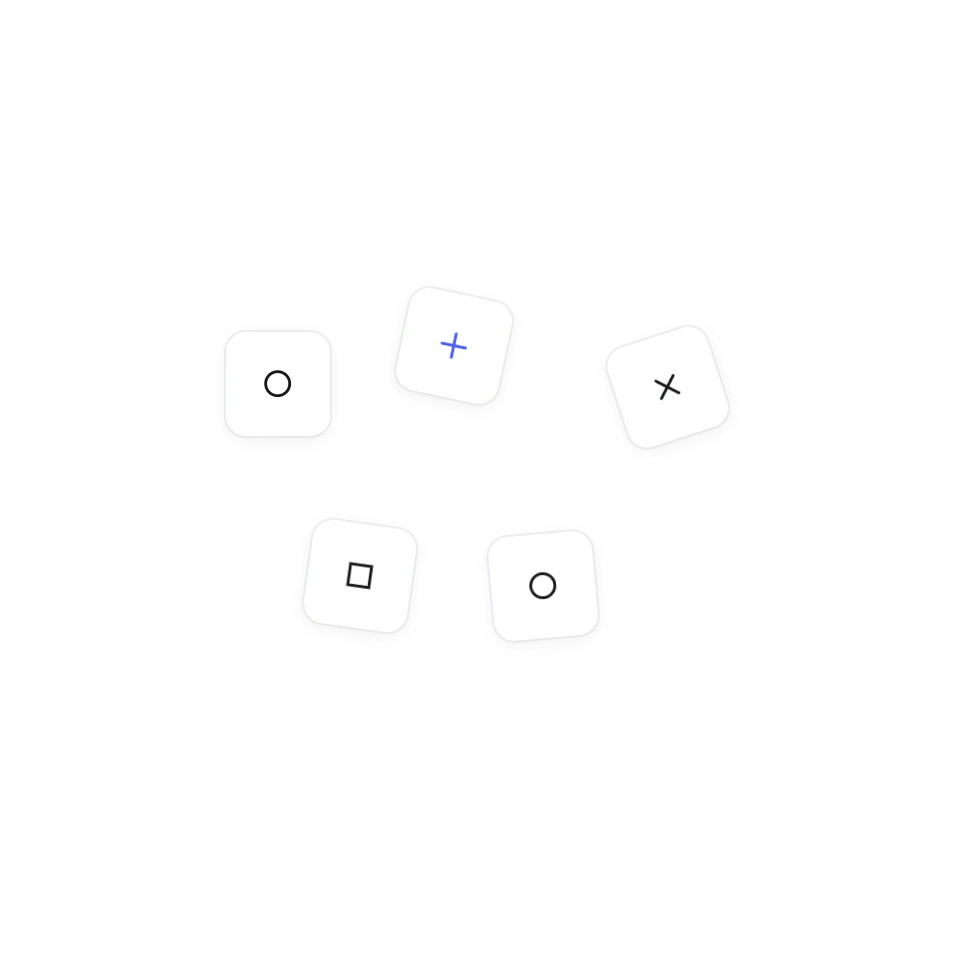 Magnetic Symbol FieldA grid of symbols that scatters away from your cursor.
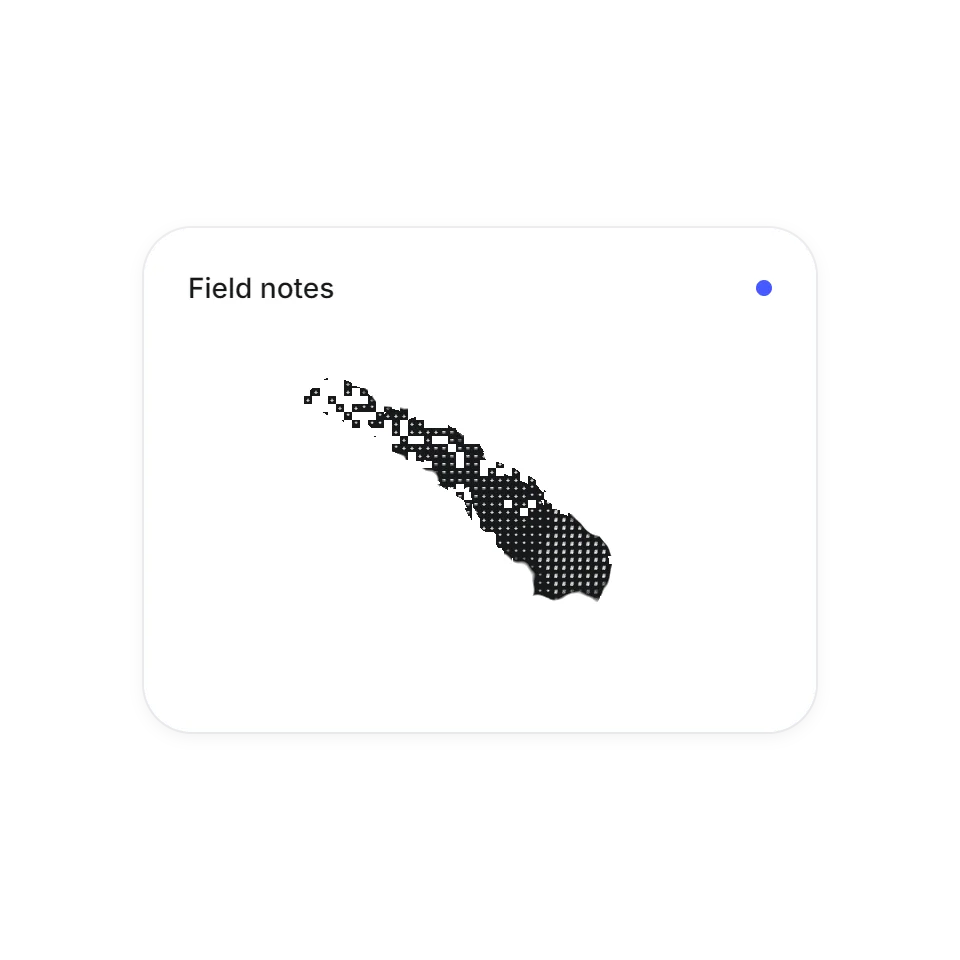 Torn Cursor InkA cursor that tears ragged holes through the page.
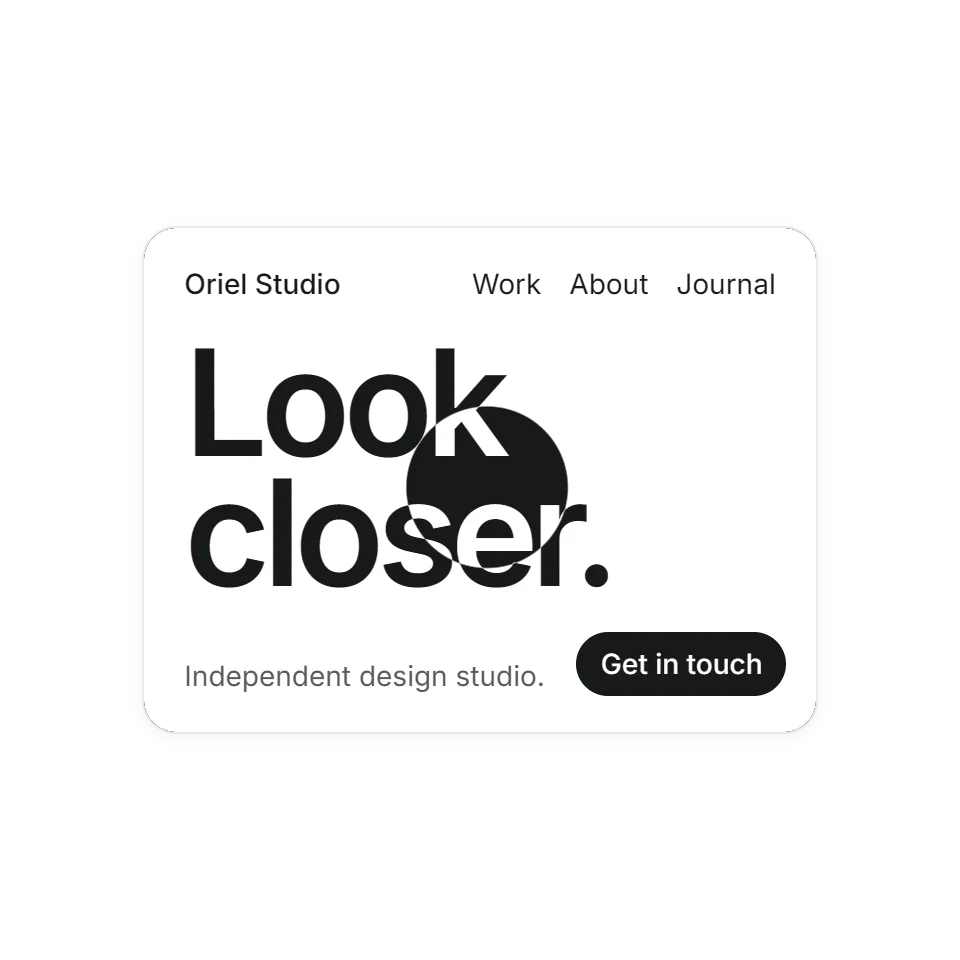 Fluid Mask HeroA soft circular lens that reveals an inverted hero beneath.
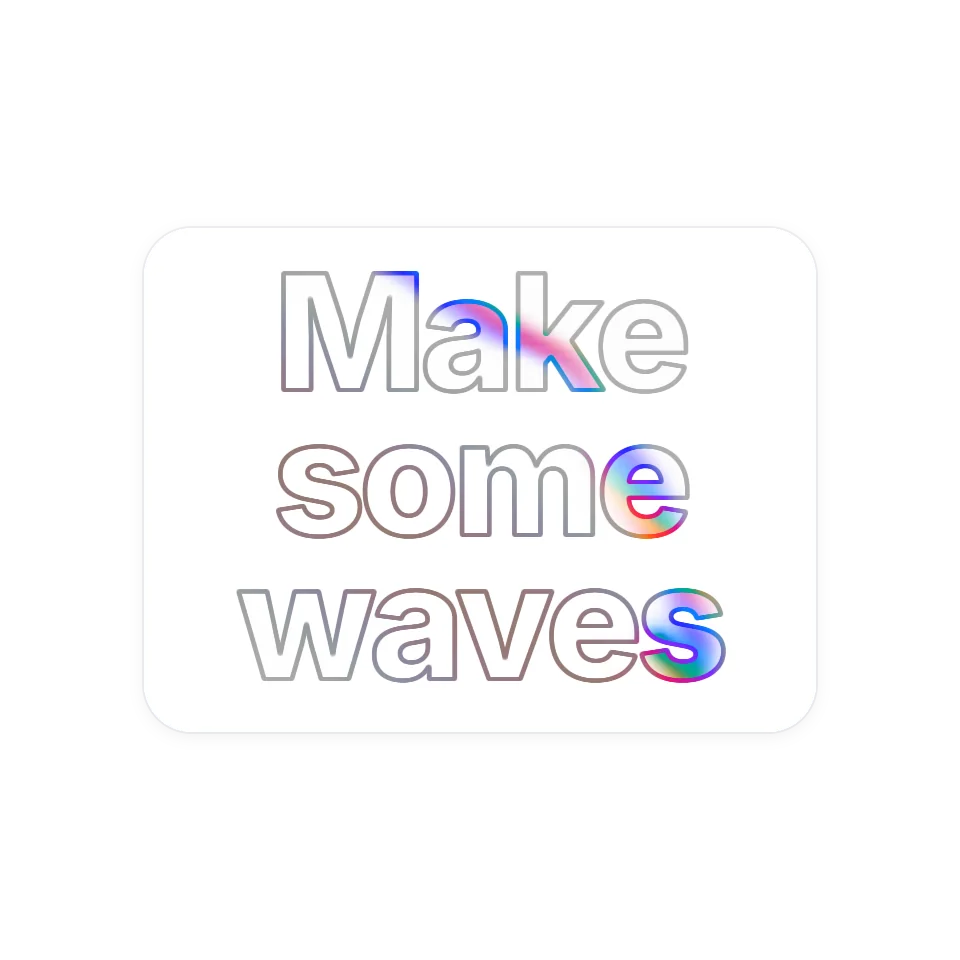 Prismatic Fluid HeadlineSweep across an outlined headline and liquid colour swirls inside the letters, then fades.
What a cursor effect is for
The pointer is the one thing on a page the visitor moves themselves, so anything that answers it feels alive straight away. That is also why a little goes a long way. These effects work best in one place: the first screen, a large headline, a single feature block. Spread over a whole site they start to get in the way of reading.
What you get with each one
Every effect has its own page where you can move the mouse over it and change a few settings. None of them needs a library; two draw with WebGL directly and the rest are plain JavaScript and CSS. The code is complete and commented for an AI assistant, so you can copy it, hand it over and say which part of your page it belongs to.
On phones and tablets
A touchscreen has no pointer to follow. Most of these respond to a finger dragged across them instead, and each page says exactly what happens. All of them follow the visitor's reduced-motion setting.