Effects / Transitions
Page transitions
Animations between one page and the next, plus two preloaders: wipes, a thumbnail that grows into its detail view, text that hands over line by line.
 Line-by-Line HandoffPages that swap line by line while the logo stays.
 Shared Element TransitionA thumbnail that grows into a full detail view and back.
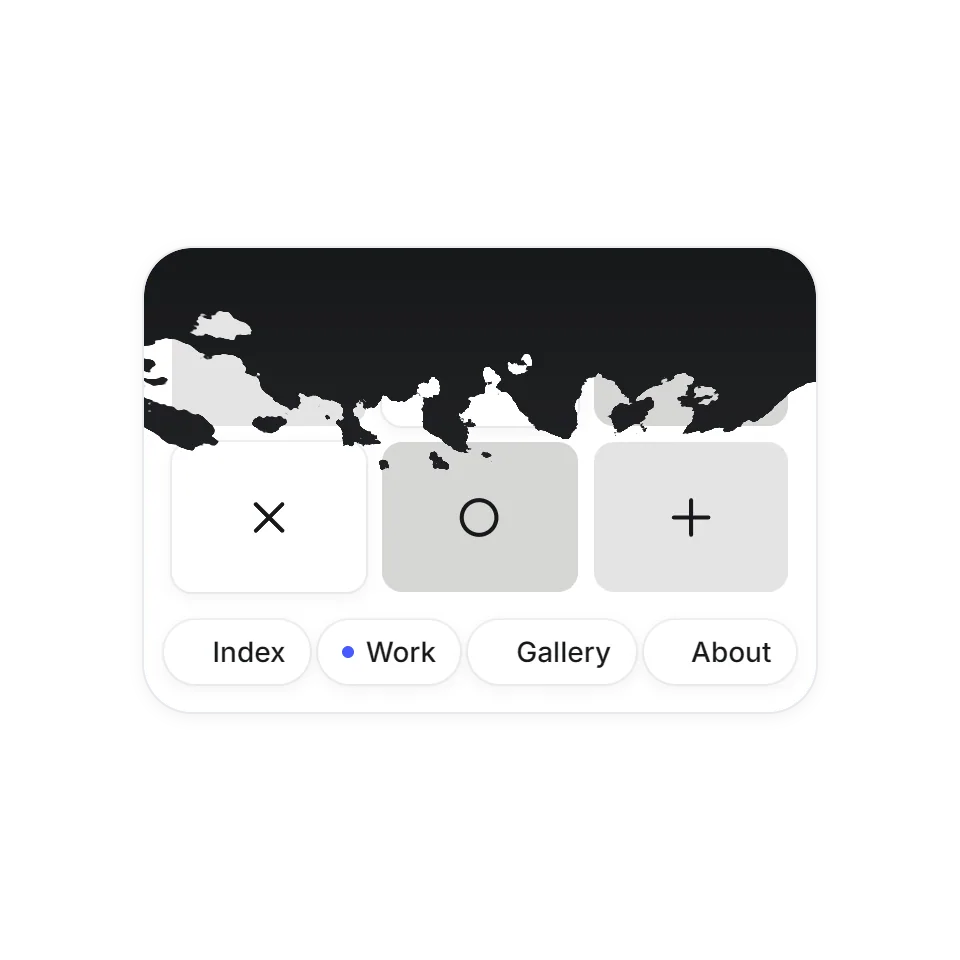 Torn Sheet TransitionA torn ink sheet that covers and reveals each page.
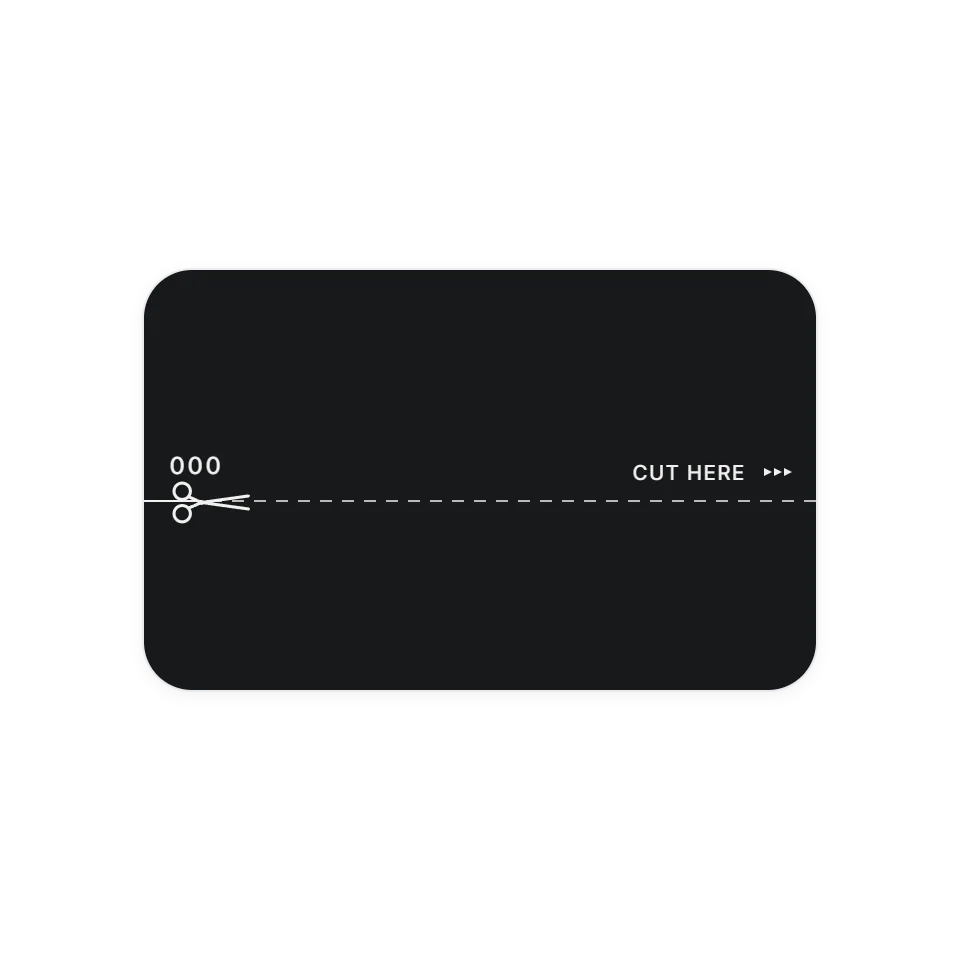 Cut-Line PreloaderA counter rolls to 100 while scissors cut the page open.
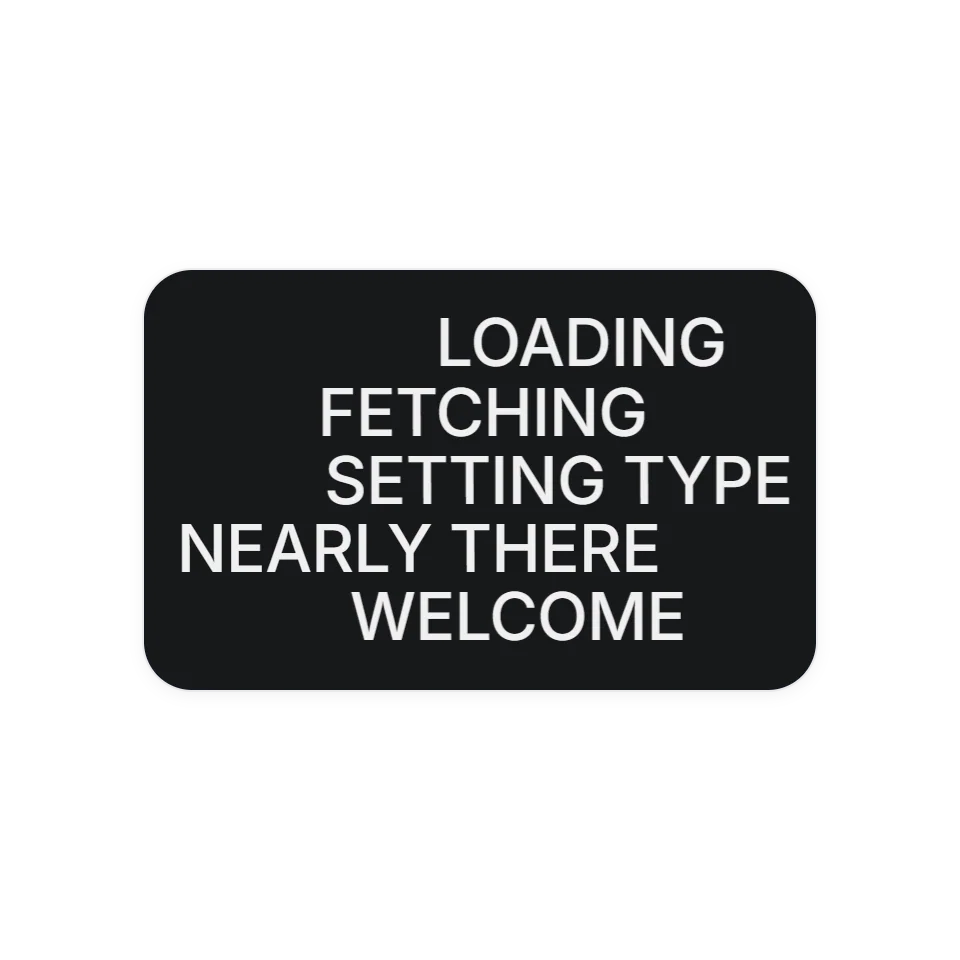 Smear-Trail PreloaderLines of text whip in dragging a trail of their own letters, then the cover lifts.
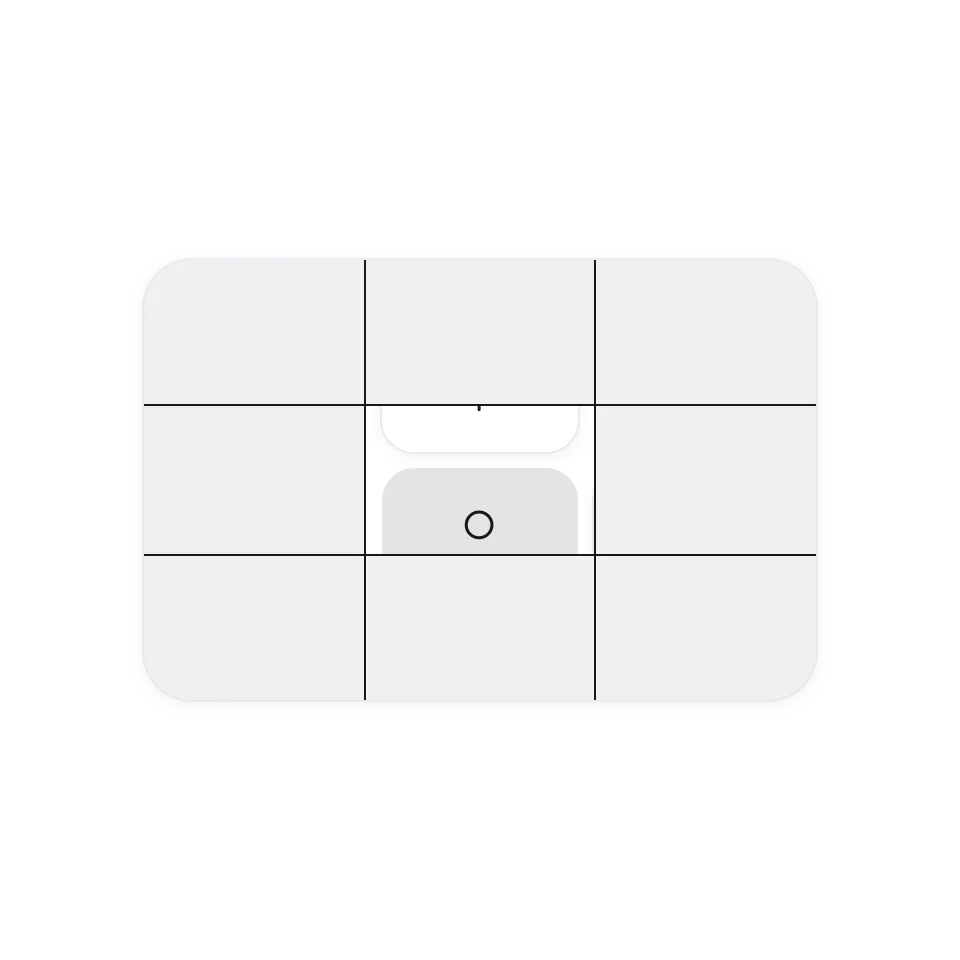 Crop-Line Page TransitionFour lines close the page to a cross, then keep going and open the next one.
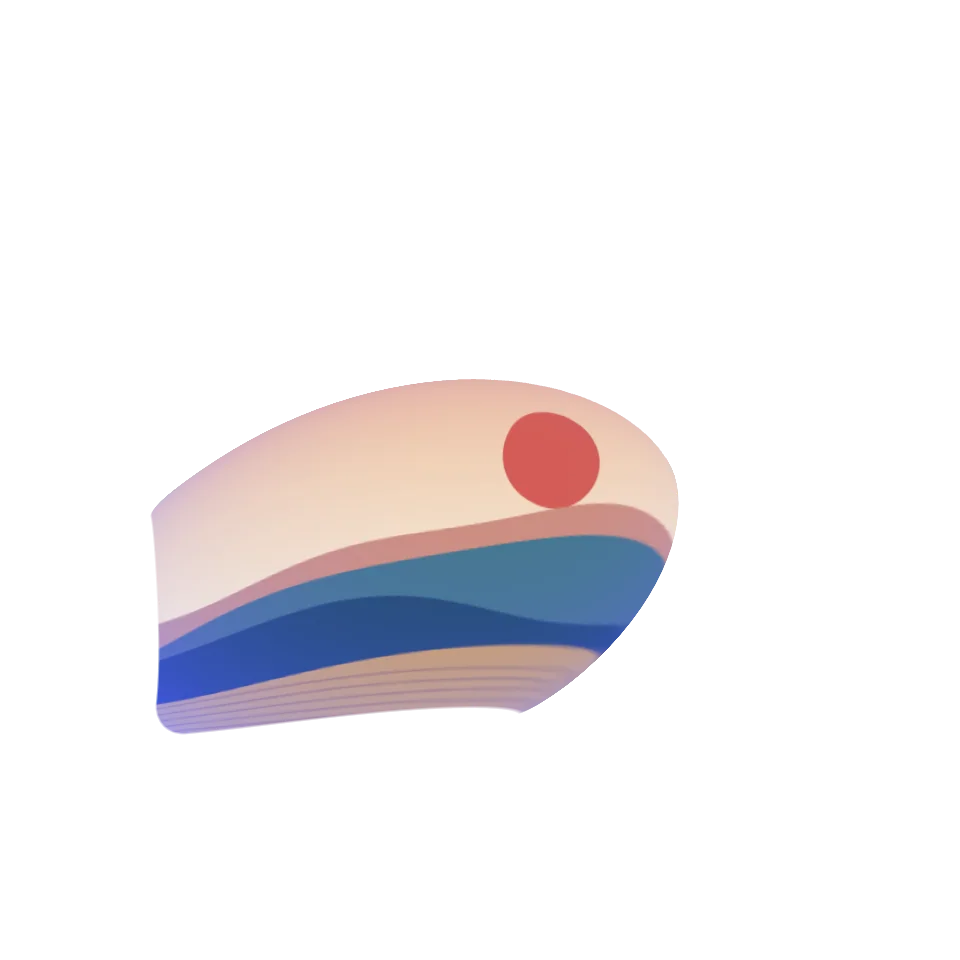 Scroll Warp ZoomScroll and the small card swells from its centre into a big one, colour flooding back in.
What a page transition adds
Without a transition, a page change is a blink: the old screen goes and a new one appears. A transition fills that gap and shows how the two are related, for example by letting the thumbnail someone clicked grow into the page it opens. The site then feels like one connected place.
What you get with each one
Every effect has its own page where you can click through it and adjust the timing. The code is complete and commented for an AI assistant, so you can copy it and hand it over.
Connecting it to your site
The examples switch between sections inside a single page, which keeps them easy to try. A real site changes pages through a router or a full page load, and that link is the part your AI needs to write. Tell it which framework you use. All of them follow the visitor's reduced-motion setting.